RESTRICTED USE ONLY Fargo Electronics, Inc.
DTC500 Series Card Printer/Encoders User Guide (Rev. 5.0)
202
Using the Overlay/Print Area (continued)
Step Procedure
2 When the card grid is first activated, a small black square will appear at its
default size of .2" x .2"/5mm x 5mm and at its default location in the lower left-
hand corner (0,0). (Note: This square represents the first defined area.)
Determine the area size by actually printing a card and looking at it in the
same orientation as when it exits the Printer.
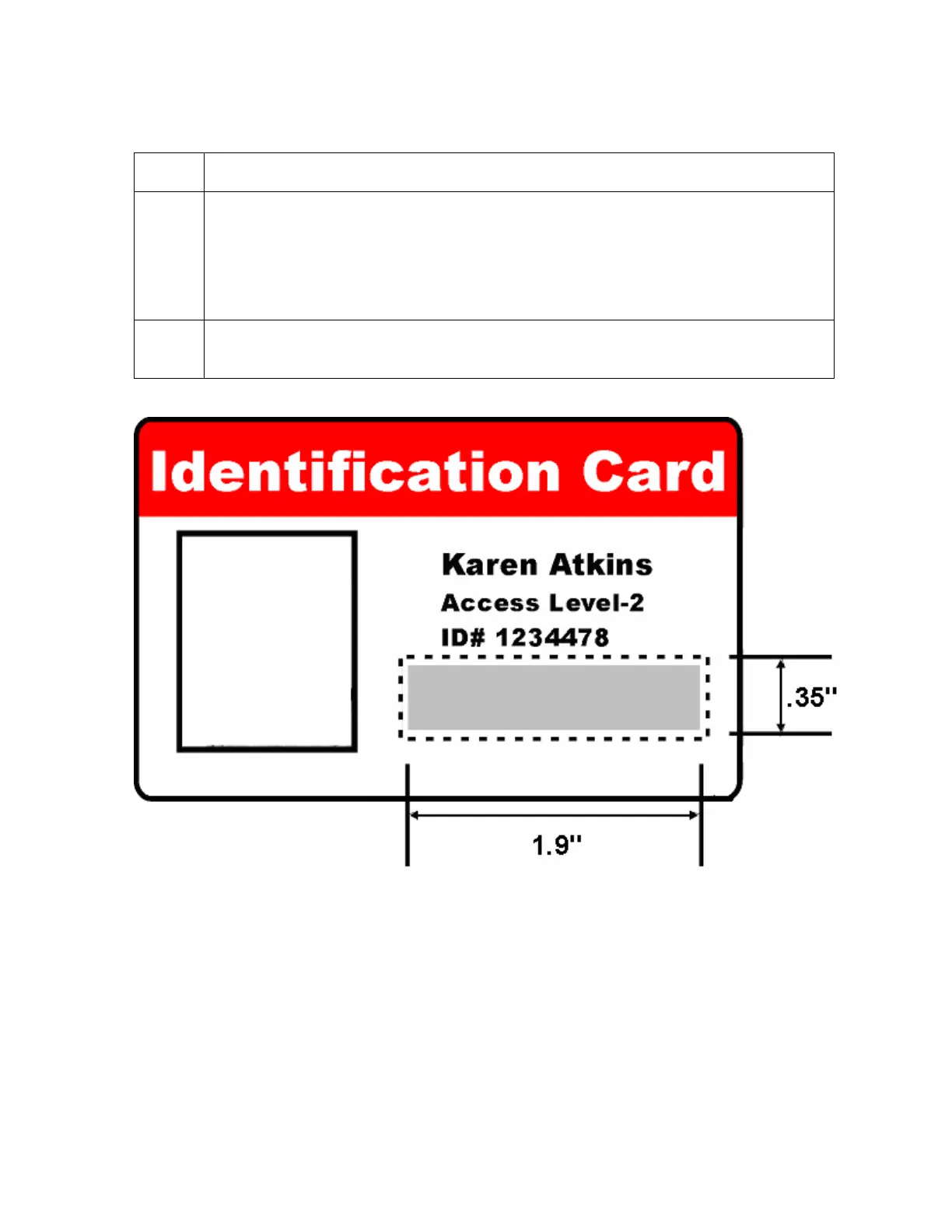
3 Measure the total size of the desired area and enter those dimensions into the
Dimension boxes. (Note: The minimum size an area is .2" x .2"/5mm x 5mm.)
Continued on the next page












 To Next Page