RESTRICTED USE ONLY Fargo Electronics, Inc.
DTC500 Series Card Printer/Encoders User Guide (Rev. 5.0)
267
Setting the Magnetic TOF (continued)
Step Procedure
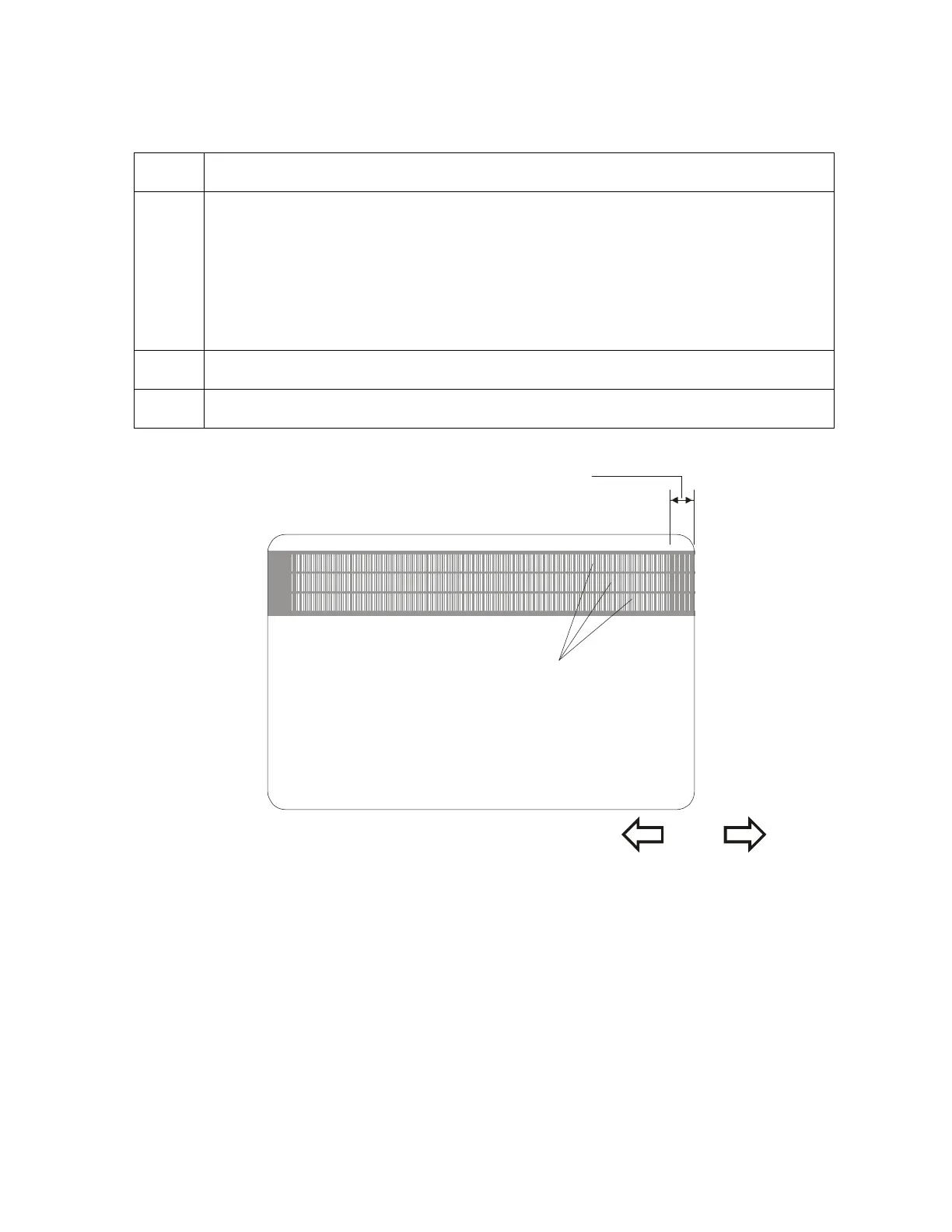
6 Enter a Magnetic TOF value appropriate for the direction for the magnetic data to
move.
As a rule, a shift of ±27 equals about .0625" (1/16") or 1.6mm. (Note: Keep
this in mind when adjusting this option to avoid over-adjusting.)
If the negative value is set too high, for example, the Printer may start
encoding before the card's Magnetic Stripe reaches the encoding head.
7 Repeat steps 1 to 5 until the Magnetic TOF is correct.
8
Press SELECT to save the value.
Magnetic Track Data
Trailing Edge
of Card
Leading Edge
of Card












 To Next Page