RESTRICTED USE ONLY Fargo Electronics, Inc.
DTC500 Series Card Printer/Encoders User Guide (Rev. 5.0)
297
Installing the new Card Input Hopper in the dual Hopper units (DTC515/525)
(continued)
Step Procedure
3 Slide the Card Input Hopper to the left to remove it from the Track.
4 Remove the second Hopper (see Steps 2 and 3 in this same procedure).
5 Locate and install the new Card Input Hopper 2 (D850253-02).
6 a. Install the new Hopper by sliding it toward the back of the Printer.
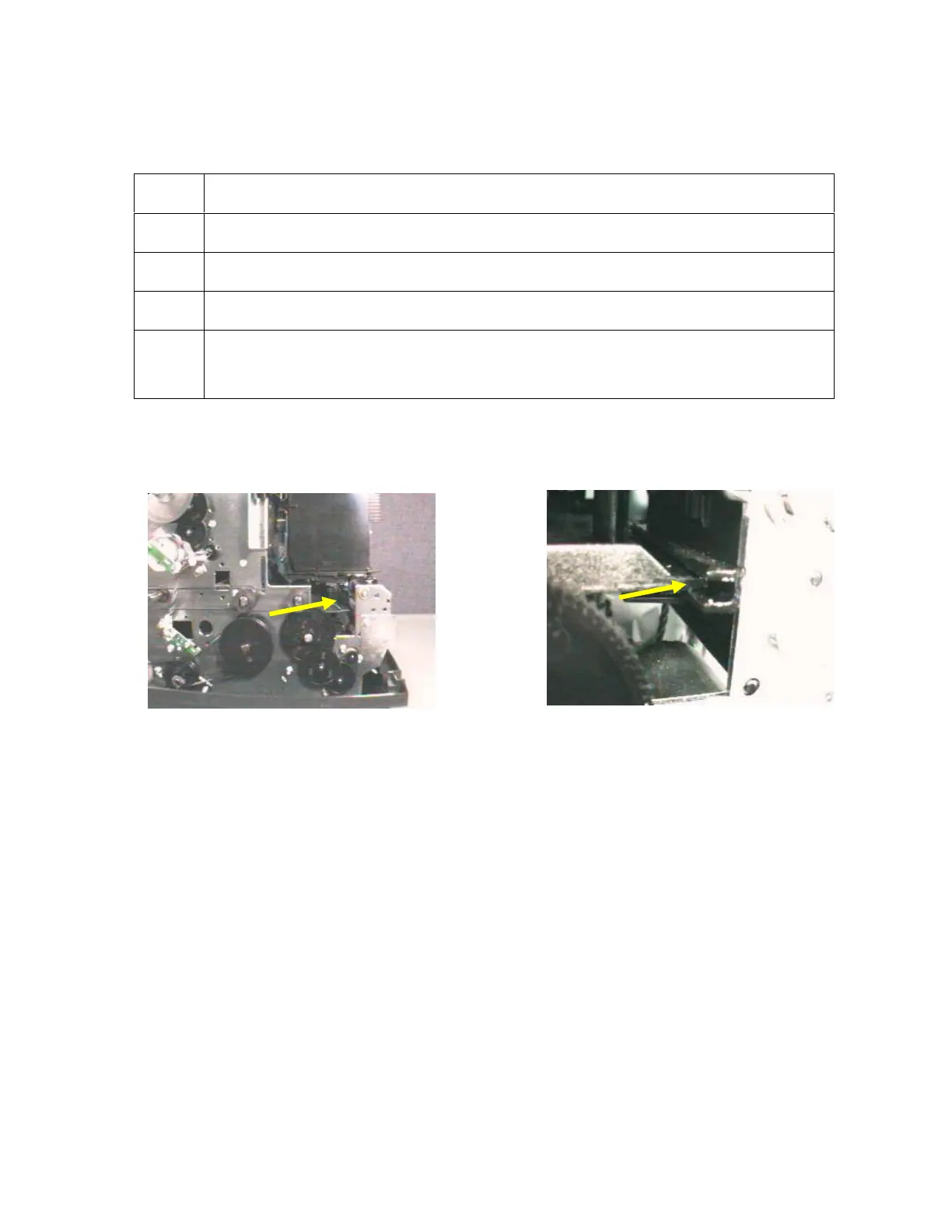
b. Ensure that the plastic Guide is set along the Track. See below.
Continued on the next page
See (above) the Hopper Track.
See (above) the Hopper Track.












 To Next Page