RESTRICTED USE ONLY Fargo Electronics, Inc.
DTC500 Series Card Printer/Encoders User Guide (Rev. 5.0)
307
Confirming the Printer operations (continued)
Step Procedure
3 Confirm that the YMCKO Ribbon is loaded into the Printer.
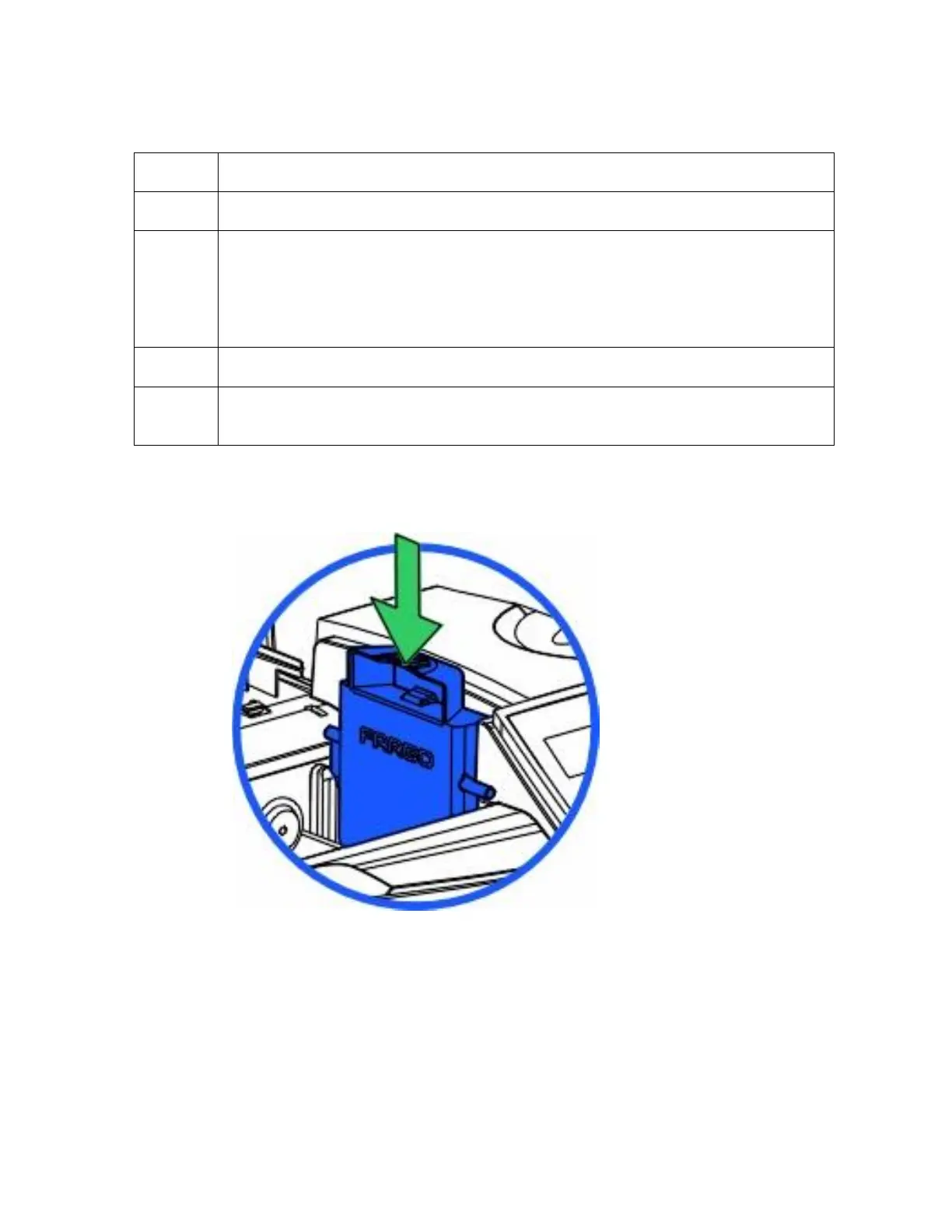
4 a. Load a Cleaning Cartridge into the Printer, as shown below.
b. Carefully cut the pack open.
c. Remove the Cartridge if it is a new Printer with the cleaning cartridge still
sealed in the supplies pack (mounted inside the box).
5 Ensure the Printer is connected to the PC.
6
Power-up the Printer and confirm that the Printer shows Ready on the LCD
Control Panel.
Continued on the next page












 To Next Page