RESTRICTED USE ONLY Fargo Electronics, Inc.
DTC500 Series Card Printer/Encoders User Guide (Rev. 5.0)
36
Printer Components: LCD display to Serial Interface Port (continued)
Component Description
scroll buttons These buttons are used to scroll through menus and sub-menus and to
adjust certain menu options.
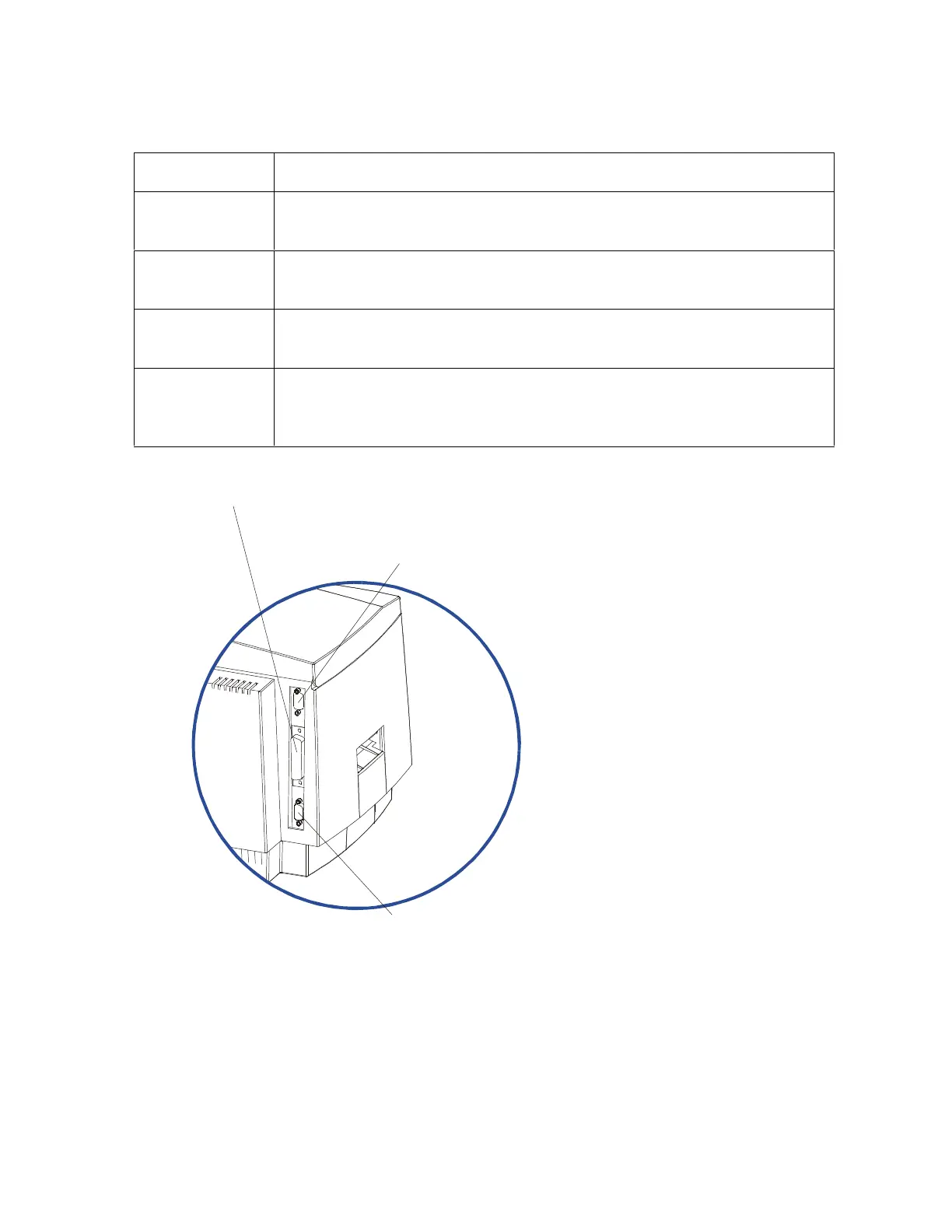
Parallel
Interface Port
This port connects to a Windows PC with a parallel cable.
Serial Interface
Port
For Smart Card option: This port is provided only if your Printer
includes an optional Smart Card Contact Station.
Serial Interface
Port
For Embedded Fonts and Bar Codes option: This port is provided
only if your Printer includes optional embedded fonts and bar codes
support.
Continued on the next page
Serial Interface Port
Serial Interface Port
(Font / Bar Code option only)












 To Next Page