Chapter 6 Fastening Operation
PAGE 6-53
System Parameters – CF / RS232 Input Information
D-No.400 CF Card Storage Capacity [%]
The storable capacity of the CF card is displayed.
D-No.401 RS232C-2 Communication Speed [bps]
The communication speed of the RS232C-2 interface is displayed.
D-No.402 RS232C-2 Parity
The parity of the RS232C-2 interface is displayed.
D-No.403 RS232C-2 Stop Bit [bit]
The stop bit of the RS232C-2 interface is displayed.
D-No.404 RS232C-2 Data Length [bit]
The data length of the RS232C-2 interface is displayed.
D-No.405 Not used
D-No.406 Not used
D-No.407 Not used
D-No.408 Not used
D-No.409 ID Input Selection
The selected ID input method is displayed (Fieldbus / RS232C-2)
SYS.410 Add STX,ETX
When ID Data input is selected as RS232C - 2, it displays if STX or ETX tis added to data output.
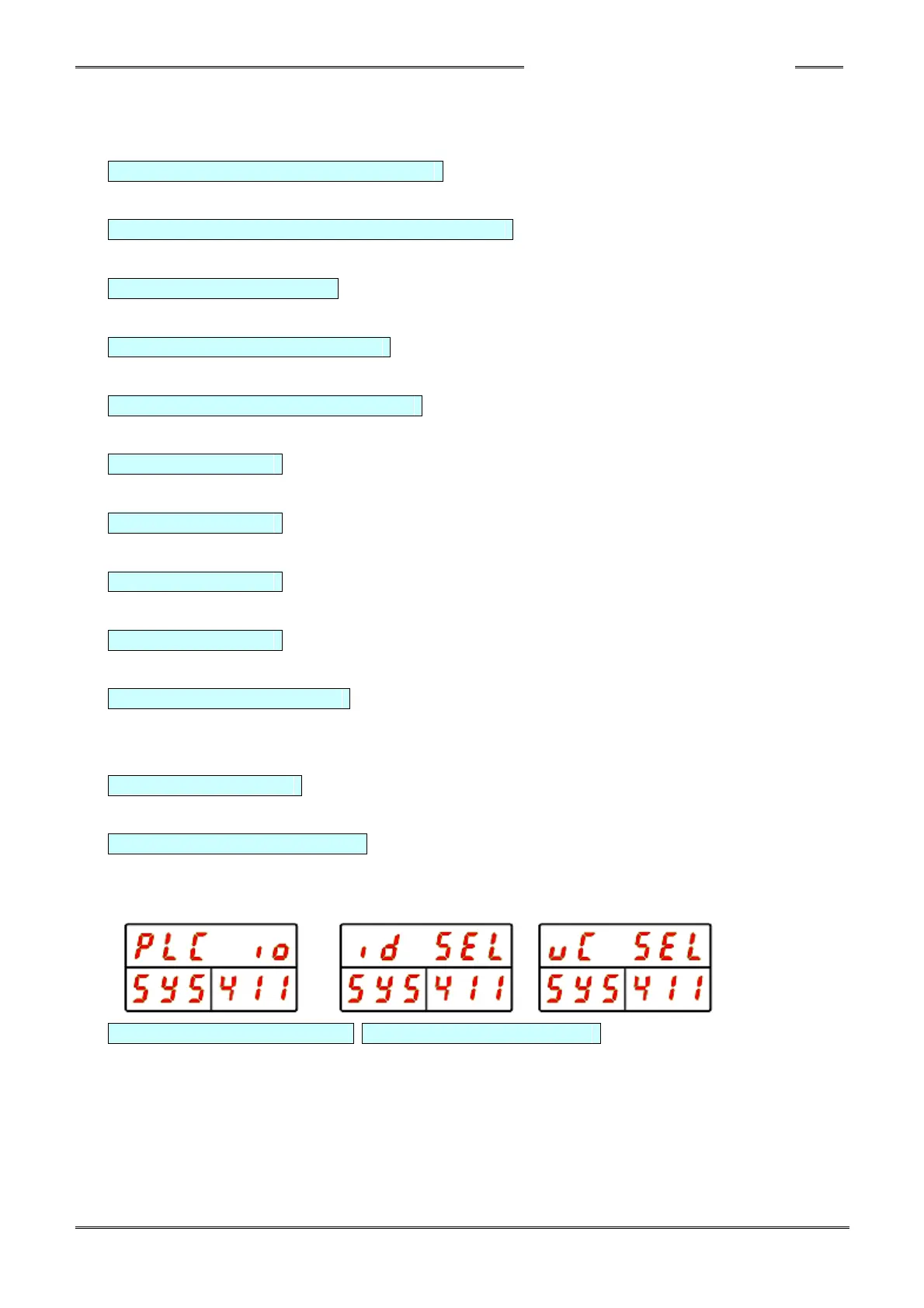
SYS.411 External Input Select
Displays the Work / Parameter Number selection method
・PLC Input Signal ・ID input ・HFC3000 Software
SYS.412 Reference Data Start SYS.413 Reference Data end
When External ID Input is Selected, displays the start and end position of the ID data being used for
identification of the Work number. Set the Reference Data End to the same value or larger than the
Reference Data Start.
(The work number identification string (model name) can only be set using the HFC3000
user console software)



 To Next Page