Chapter 3 System Description
PAGE 3-4
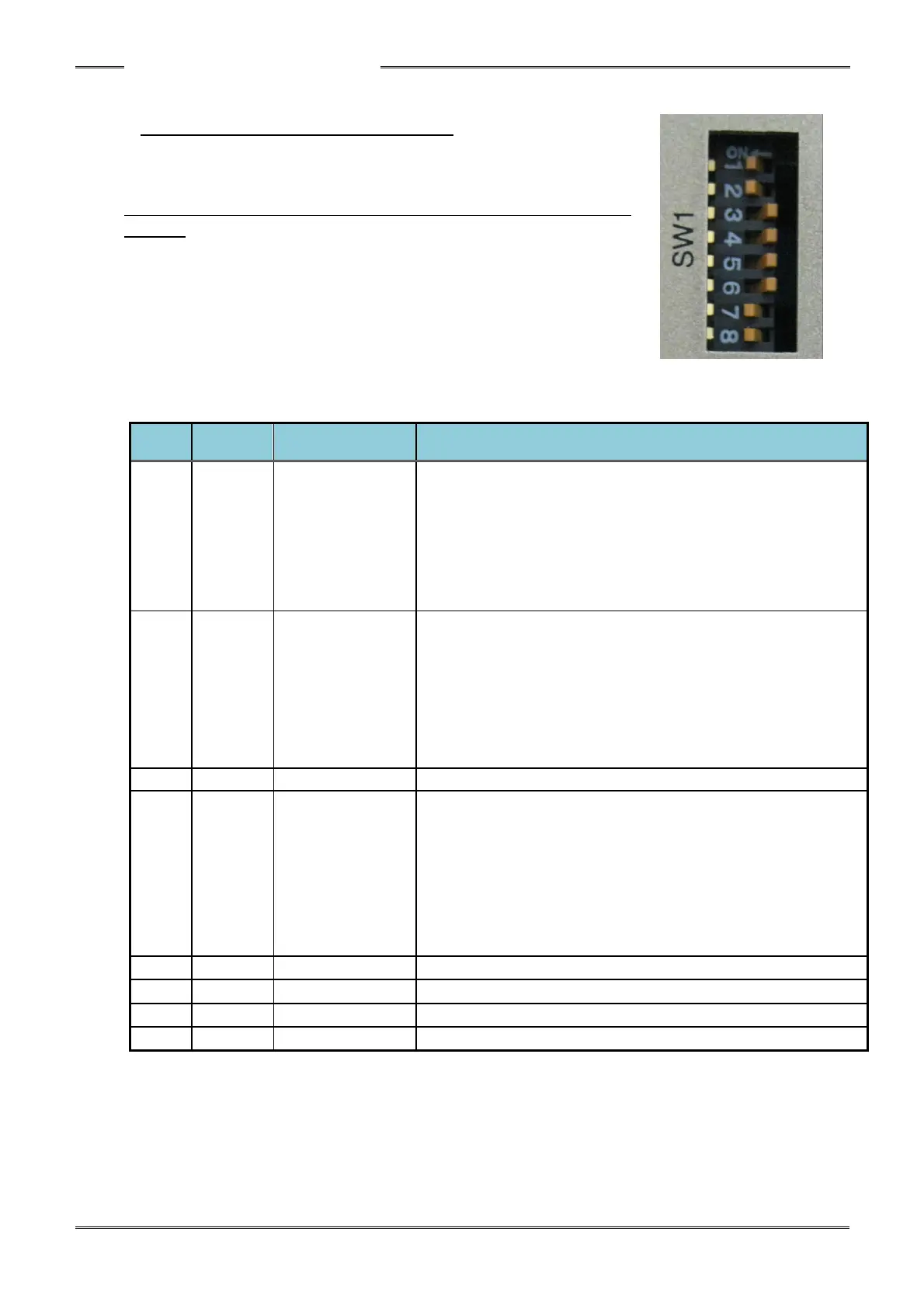
3-1-3 Bottom Panel SW1 Switch Settings
The SW1 switches on the bottom panel are used to set special
functions related to fastening.
* Controller Power must be OFF when changing SW1 dip switch
settings.
Transducer ZERO
voltage level
Acceptance
window selection
(±10%/±4%)
・ Selects the acceptance range of the torque transducer ZERO
voltage level during the “Self-Check” of the Torque
Transducer.
Set this to ON if nuisance Self-Check abnormals (A1_3)
occur frequently at the start of cycle (due to outside forces or
vibration sensed by the torque transducer)
• ON: ±10% of full scale
• OFF: ±4% of full scale
START Input Type
Selection
・ ON: Deadman Type Start – Start input must remain ON for
the entire cycle – the cycle will stop if the START is removed
before the end of cycle (Requires continuous input).
・ OFF: Auto type Start – Start Input pulse (of at least 200msec)
intiates automatic cycle. The fastening operation will
continue even if the START signal is “OFF” after the cycle
starts.
Used for in-house adjustment
Parameter
FlashRom storage
disable
(disable/enable)
・ When this is set to ON, the parameters are no longer stored
in the FlashRom and are stored only in SDROM (temporary
memory) When the parameter settings need to be changed
dynamically (frequently) by PLC,(as an example), it is best to
use SDROM as the FlashRom life is shortened writing data
to it.
・ When this is set to OFF, the parameters are stored in the
FlashRom as well.
Used for in-house adjustment
Used for in-house adjustment
Used for in-house adjustment
Used for in-house adjustment



 To Next Page