146 FCP-300/FCP-300ECS Manual — P/N LS10145-002FK-E:A 3/12/2021
Testing and Troubleshooting Event History
13.2 Event History
The Event History can be useful for tracking or recalling a trouble condition.
To view the Event History:
1. Press 3 to select the Event History.
2. Press the up or down arrow key to view the events in the History Buffer.
13.3 Built-in Troubleshooting and Testing Tools
The fire control panel has several built-in testing and troubleshooting tools that can be used to save time while testing and trou-
bleshooting the points and the SLC devices.
13.3.1 SLC Device Locator
The SLC Device Locator can be used to locate a device on an SLC loop.
To locate a particular SLC device, refer to the following steps:
1. Select 2 for the Point Functions from the Main Menu.
2. Select 4 for the SLC Single Device Locator.
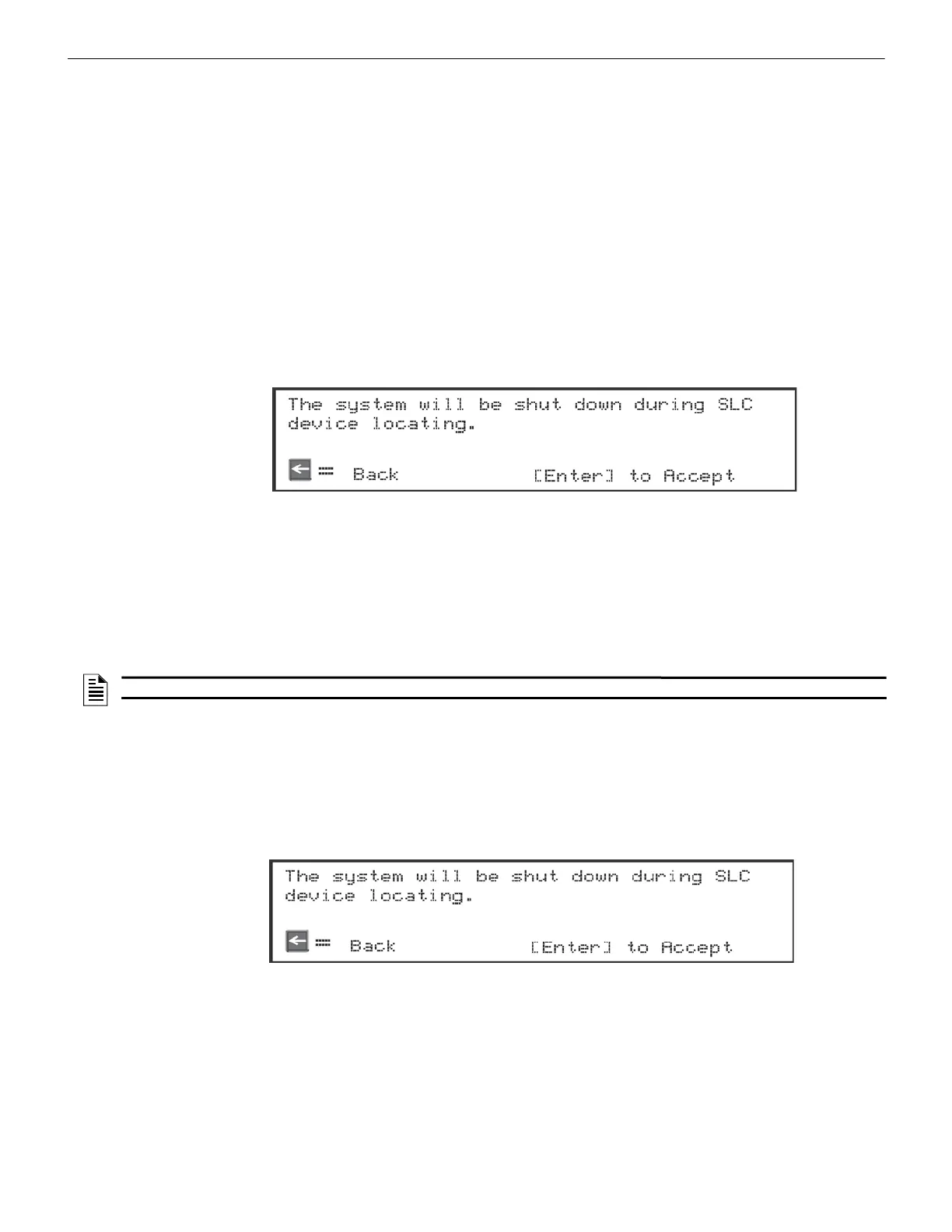
A message similar to the one shown in Figure 13.1 will display.
Figure 13.1 Shut Down Warning
3. Press ENTER to accept, or press the left arrow to Exit.
If you select the left arrow, you will exit back to the Point Function Menu.
If you select ENTER, the System will cease normal operation, leaving the premise unprotected.
4. Select the SLC loop.
5. Enter the SLC address of the device you want to locate.
The LED on the selected device will start flashing.
6. To exit the SLC Device Locator, press the left arrow key
13.3.2 SLC Multiple Device Locator
This feature operates in the same way as the SLC Single Device Locator, except you can locate up to 8 devices on a single
search.
To locate the multiple SLC device, follow these instructions:
1. Select 2 for the Point Functions from the Main Menu.
2. Select 5 for the SLC Multiple Device Locator.
A message similar to the one shown in Figure 13.2 will display.
Figure 13.2 Shut Down Warning
3. Press ENTER to accept, or press the left arrow to Exit.
If you select the left arrow, you will exit back to the Point Function Menu.
If you select ENTER, the System will cease the normal operation, leaving the premise unprotected.
4. Select the SLC loop.
5. Enter up to 8 SLC addresses for the devices you want to locate.
The LEDs on the selected devices will start flashing.
NOTE: Once you exit, the System will resume normal operation.



 To Next Page