Built-in Troubleshooting and Testing Tools Testing and Troubleshooting
FCP-300/FCP-300ECS Manual — P/N LS10145-002FK-E:A 3/12/2021 147
6. To exit SLC Multiple Device Locator, press the left arrow key.
13.3.3 I/O Point Control
This feature allows you to toggle any output on or off and trip any input device. This feaature can be useful to test a point’s out-
put mapping. The I/O Point Control shall only be allowed to be accessed if enabled by the user profile.
To control an I/O Point, refer to the following steps.
1. Select 2 (Point Functions) from the Main Menu.
2. Select 6 (I/O Point Control).
3. Select the module the point is on.
4. Make any selections specific to the module selected in the previous step.
5. Use the up or down arrow key to select the point you want to test.
6. Press ENTER to toggle (Active/Inactive) Output.
7. Press the left arrow key to exit.
13.3.4 Earth Fault Resistance
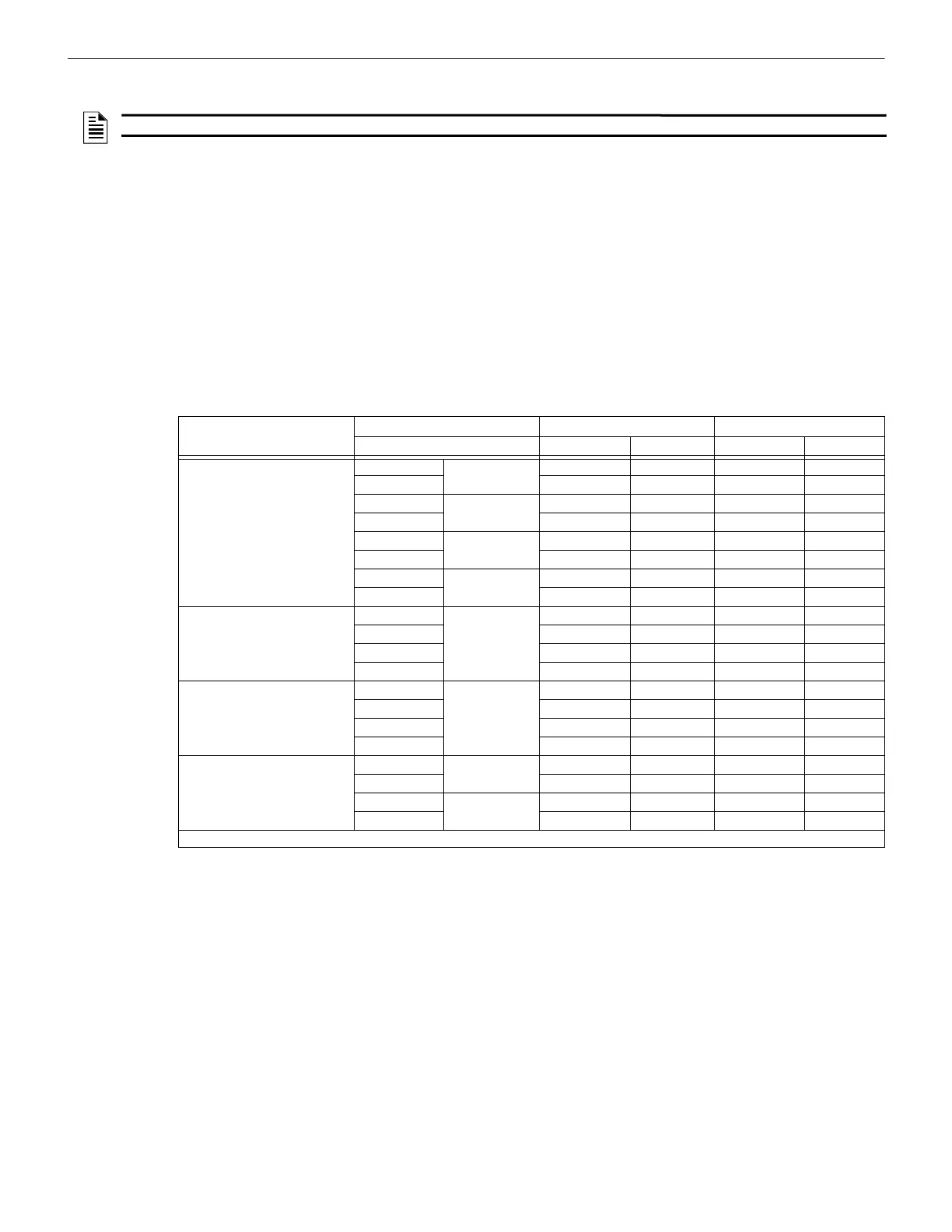
Table 13.2 lists the Earth Fault Resistance Detection for each applicable terminal on the FACP.
NOTE: Once you exit, the System will resume normal operation.
Function
Terminal Label Low Biased High Biased
(Values in Ohms) High Trip High Restore Low Trip Low Restore
Notification Circuits – NAC 4 - - 0 0
+00--
–NAC 3- -00
+00--
–NAC 2- -00
+00--
–NAC 1- -00
+00--
SBUS OUT B SBUS1 OUT - - 0 0
A--00
+00--
---00
EXT. COMM B - - 0 0
A--00
+00--
---00
SLC Terminals - SLC OUT - - 0 0
+00--
- SLC IN - - 0 0
+00--
Note: Any wire to wire fault impedance is 0 ohms.
Table 13.2 Earth Fault Resistance Values by Terminal



 To Next Page