Description
7
MMS
®
Inspection DPM High
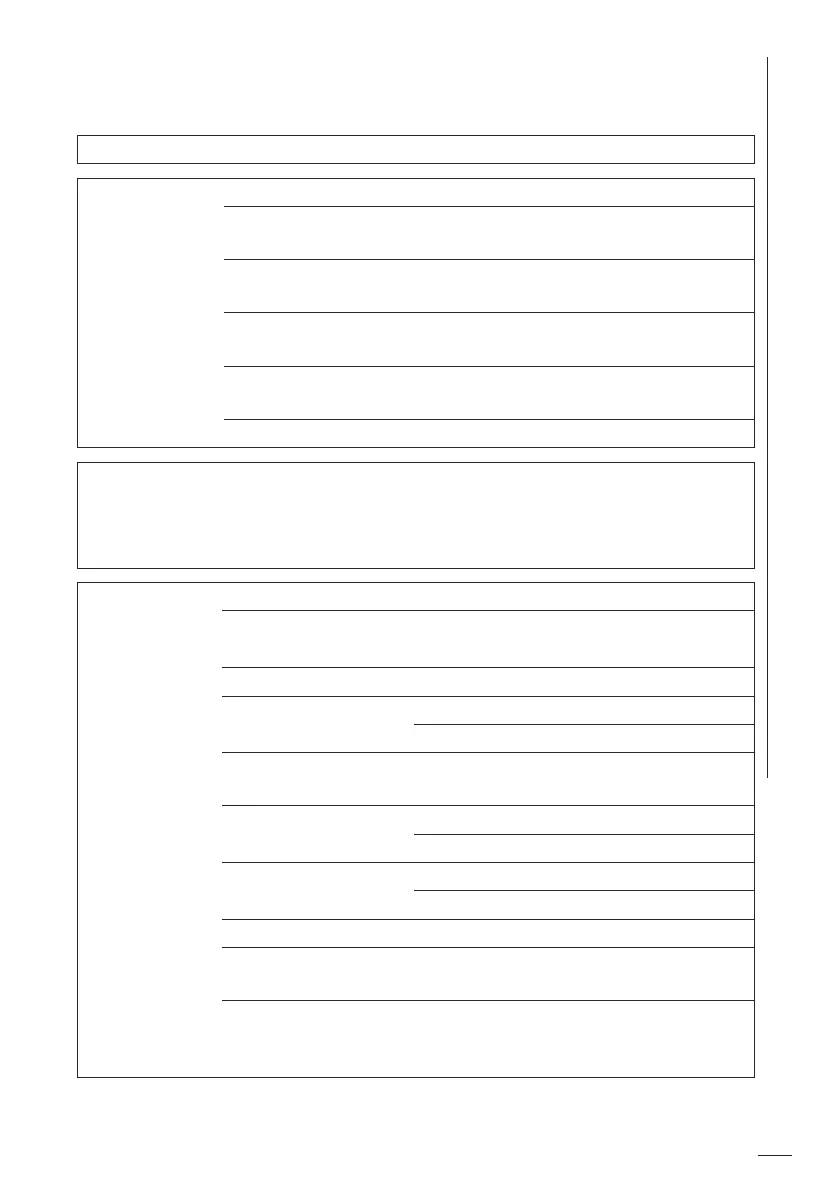
2.4 Menus - function overview
Main menu
Statistics > Display the statistics for the open batch
Batch
Modify >
Settings and en-
tries for the
open batch
MEASURE > Go to the Measurement view
Tolerance Limits > Activate/Deactivate limit monitoring
and set the specification limits
Alarm Settings Enable/Disable alarm function, limit
value settings
Auto Logging Enabling the auto log function (Log
function) and set the log interval
Batch Infos Information on the measurement and
batch settings
Temperature Units selection between °C and °F
Batches > New >
List of saved batches
(After a batch has been selected, it can be opened, renamed,
copied or deleted.)
Gage Settings > Language Select the display language
Display Settings > Brightness
Flip display
Indication Settings > Visual signal, luminosity
Data Transfer > USB
Bluetooth
Energy Savings > Automatic gage switch-off and display
dimming after a preset period of time
Date & Time > Date and time
Date and time format
More Settings > Preset the temperature unit
Battery type
Probe Settings > Test measurements
Regulatory Information about the country-specific
Radio certifications (E-Labels)
About > Information about firmware version
and measuring system as well as legal
information such as copyright













 To Next Page