Getting started
19
MMS
®
Inspection DPM High
4 Getting started
All the settings relevant to measuring
and logging the surface temperature,
the ambient atmosphere and climatic
values themselves are saved in a file.
Such a file is called a batch.
In the batch, you define the measure-
ment procedure, e.g., whether specifi-
cation limits and alarm monitoring for
certain climatic variables are to be
monitored during the measurement.
3 steps to the measurement
1. Switch on the gage: ; and
remove the protective cap from
the surface temperature probe
2. Open a batch or create a new
one
Opening a batch, see page 23
Creating a new batch, see
page 21
3. Measure, logging climatic
values, see page 28
Batch 003
RH 34.9 %
Ta
26.1 °C
Ts
27.2 °C
Td
10.3 °C
Ts-Td
16.9 °C
n = 3
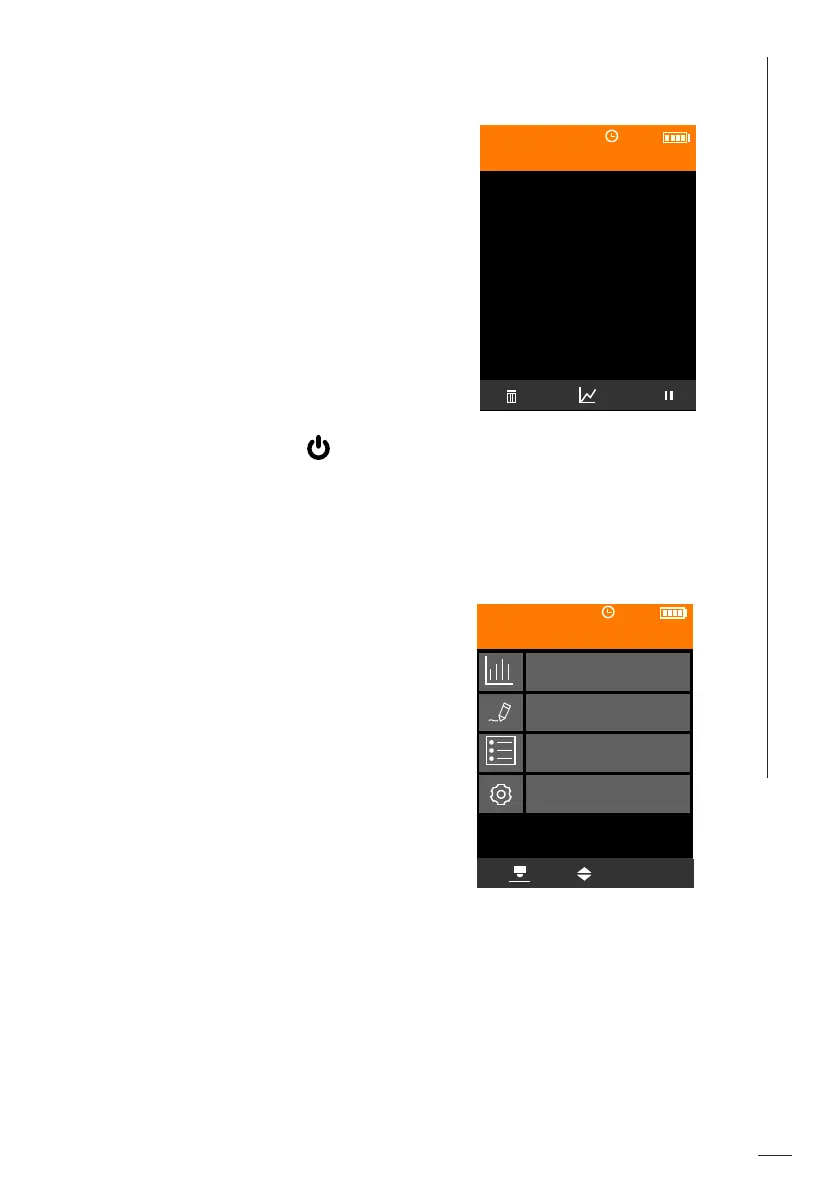
After the gage is switched on,
the measurement view (ex.)
of the batch that was open
when switching off appears
Main menu (example: Batch
003 is open)
OK
Statistics
Batch Modify
Batches
Gage Settings
Batch 003













 To Next Page