Advanced settings & system information
121
• Now, follow the information and instructions
on the display step-by-step. Configure the
appropriate parameters for your network. If
necessary, ask your network administrator.
PostBase Fusion displays the selected
connectivity settings.
• Once everything is correct: S
AVE.
The following table gives an overview of the
possible settings and parameters.
Connectivity Settings and their meaning:
Connection Type
ETHERNET / LAN
(default setting)
LAN (Local Area Network) connection. Use this
setting if you want PostBase Fusion to use the
wired connection to your local network / router.
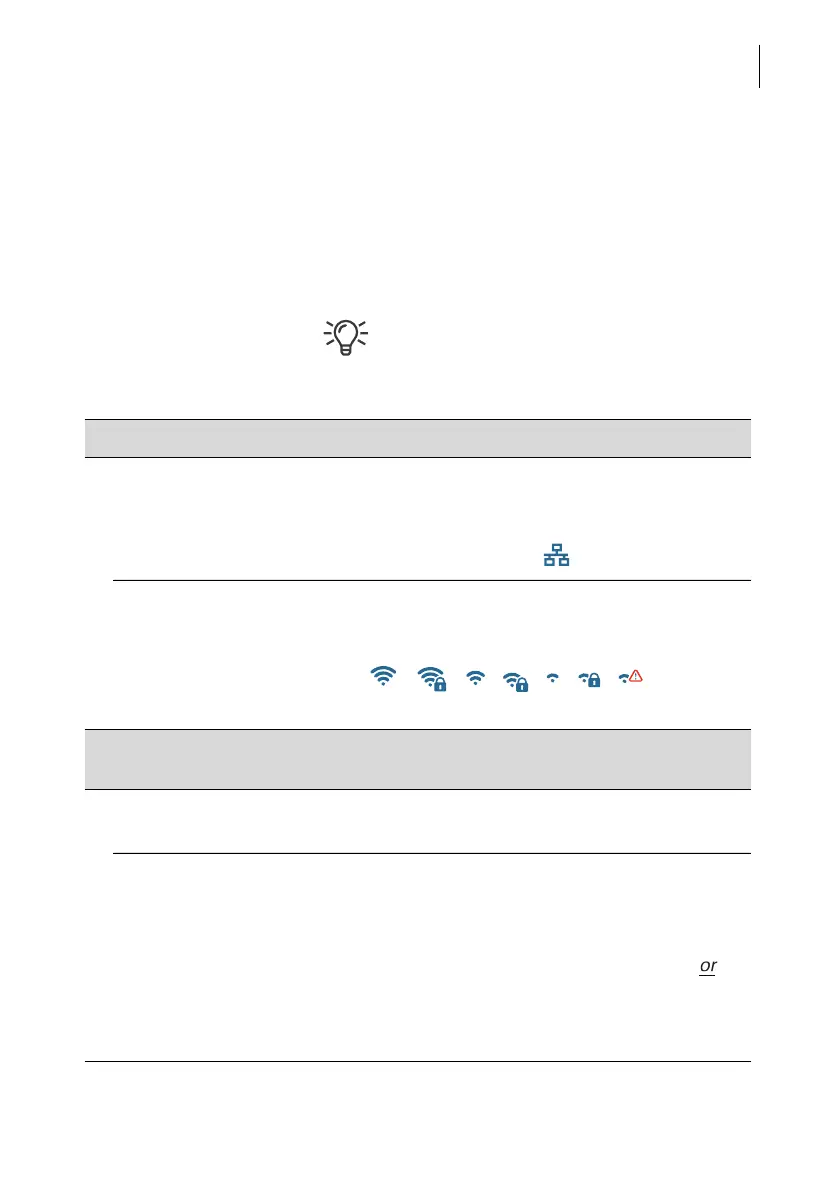
Icon in the menu bar:
W
I-FI Use this setting if you want PostBase Fusion to
connect to the local network / router wirelessly.
Icon in the menu bar:
/ / / / / /
(depending on signal strength and protection status)
SSID Service Set Identifier. Name of a local wireless
network (such as router name).
S
ELECT WI-FI Select the desired access point from the list of
detected Wi-Fi networks.
E
NTER SSID If the name of the desired network does not
appear in the list, select this option.
You must then enter the following parameters:
– Network name
– Select Encryption Mode (WPA2, WPA)
Open Network.
Please contact your network administrator for
details.



 To Next Page