Installation and commissioning
27
Step 5: Turning on the PostBase Fusion
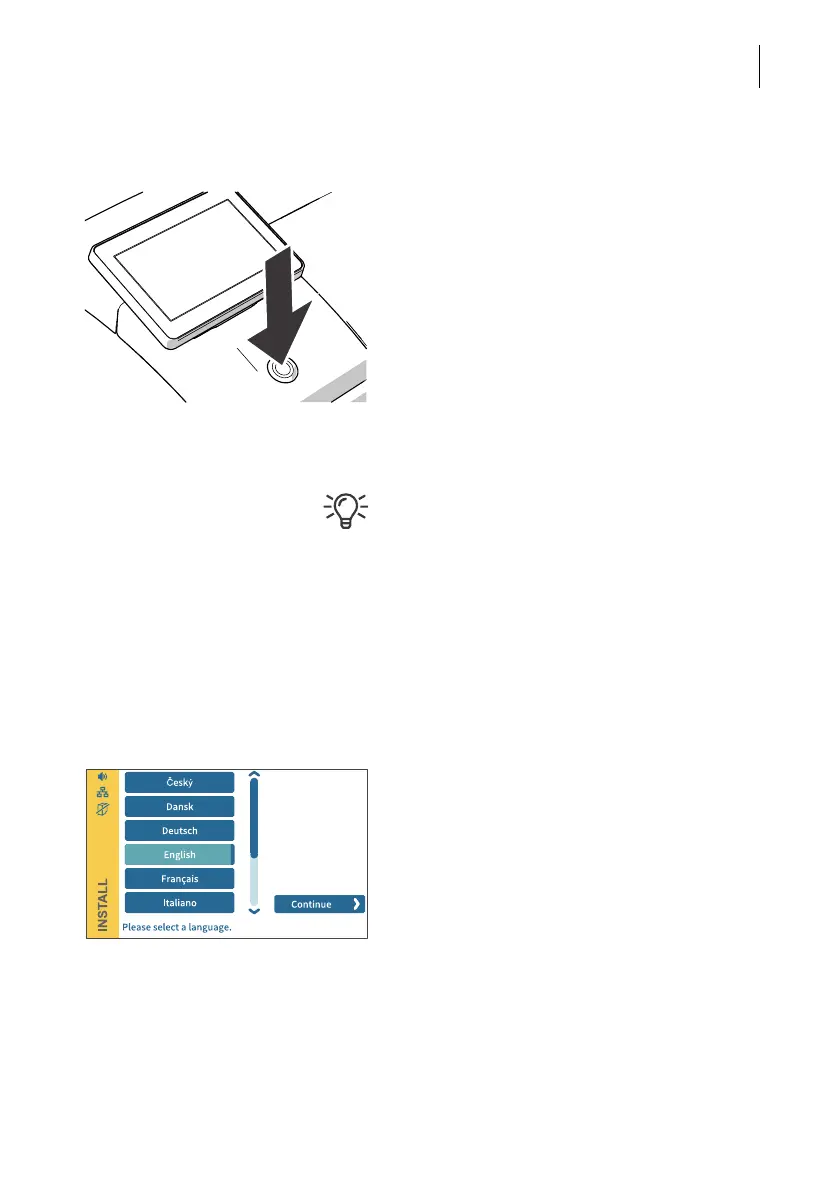
• Press the ON/OFF button.
The LED lighting switches on and the system
starts. The progress of the process can be
followed on the display. PostBase Fusion
greets the user – acoustically accompanied –
and finally starts the installation procedure.
Step 6: Installing the PostBase Fusion
For information on using the touch screen
and stylus, the “swiping” method of operation
and other basic functions are described in the
reference guide, “The basics of operation”
chapter.
The PostBase Fusion will guide you step-by-
step through the installation procedure. Sim-
ply follow the instructions on the display.
• Have the R-PIN ready (received separately
from the rest of the delivery).
Language
• Tap the desired language.
• Confirm the selection with the C
ONTINUE
button and resume the installation.



 To Next Page