Manage shortcuts
97
10.3 Changing the weight
When saving a shortcut, PostBase Fusion will always save the currently displayed
weight. You can change the weight for a shortcut. PostBase Fusion thus allows you
to store the maximum weight permissible by the rate table.
• Open the M
ENU.
• Choose M
ANAGE SHORTCUTS.
• Choose C
HANGE WEIGHT.
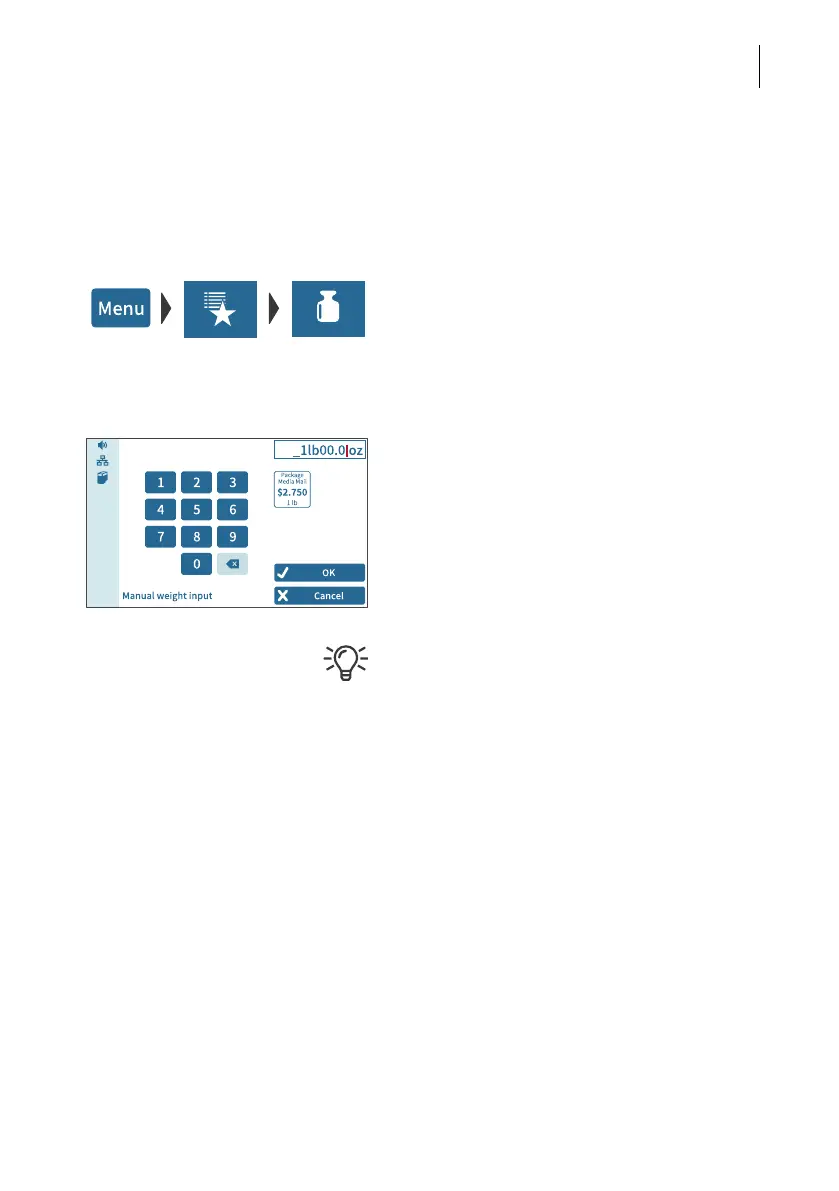
• Tap on the shortcut for which you want to
change the weight.
PostBase Fusion opens the setting menu for
the shortcut weight.
• Enter the weight.
The preview shows the stored product and
the new weight.
• Confirm with OK.
PostBase Fusion will not accept weight val-
ues that contradict postal rates. A message
will inform you in that case.



 To Next Page