PostBase Fusion
56
5.1.3 Setting the weight
5.1.3.1 Weighing a mail piece
This chapter describes how to use the built-in scale in standard weighing mode. If the
optional differential weighing mode is set, the info panel in the Home screen, displays
“Differential weighing”. Refer to chapter 14.12 on page 119 to learn how to set the
weighing mode.
Caution! Please observe the following instructions for handling the built-in
scale:
– Observe the maximum weight capacity (depending on the model or
feature upgrade).
– The scale only determines a new weight if the scale has previously been
unloaded. Therefore, always clear the weighing platform before placing a
mail piece on it for weighing.
– The scale does not determine a new weight while the letter transport unit
is running. Wait until the letter transport unit stops before placing a mail
piece on the weighing platform.
– When weighing large format mail pieces, make sure that the mail pieces
do not touch the display housing. This prevents incorrect weighing that
would result in incorrect rating.
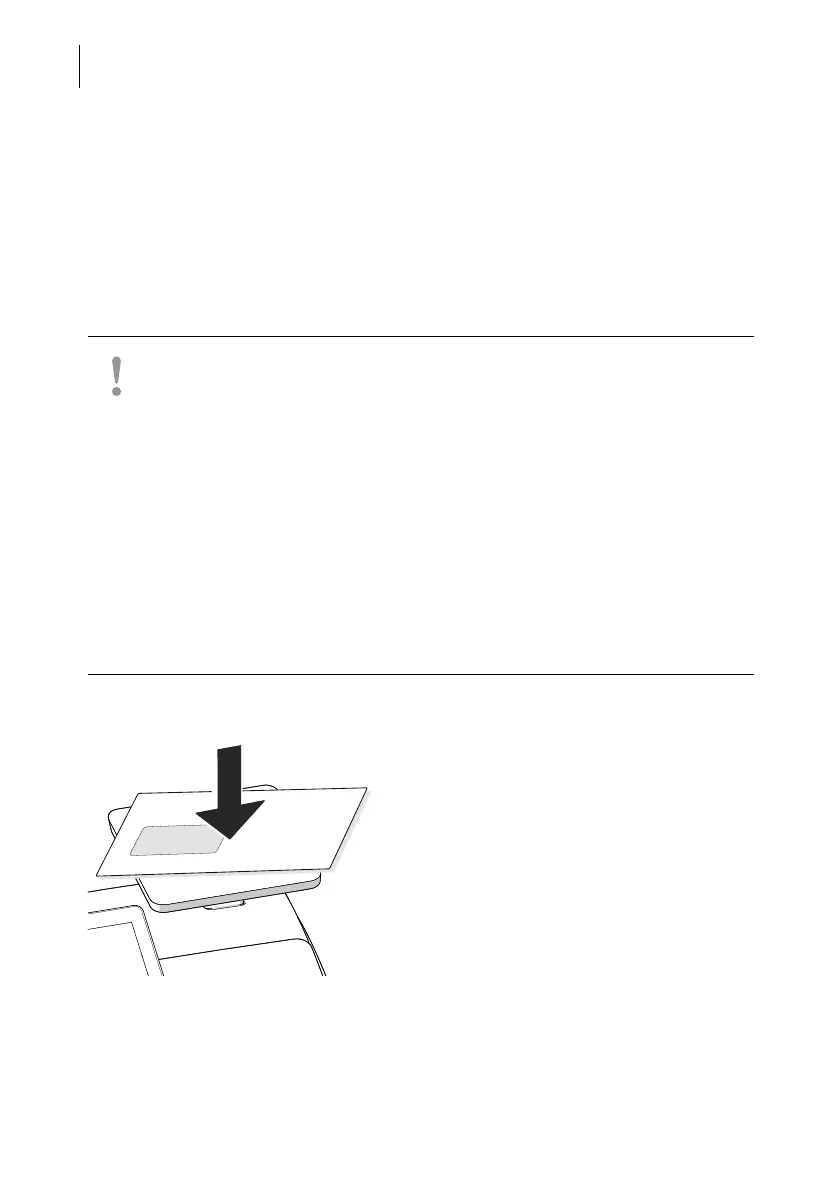
• Place the mail piece on the weighing
platform.
PostBase Fusion emits a tone when the
scale has determined the weight of the mail
piece.



 To Next Page