Maintenance and care
125
15 Maintenance and care
Have your mailing system cleaned and serviced regularly by an authorized Service
staff. This guarantees long-term, trouble-free operation. Ask about available mainte-
nance agreements.
You can do the following work yourself:
– Clean housing exterior
– Clean sensors
– Clean print system
– Change ink cartridge
– Replace transport brush
– Calibrate touch screen
– Filling with sealing fluid (feeder / sealer)
– Clean / replace moistening sponge (feeder)
– Clean / replace moistening brush (feeder)
– Clean / replace felts (sealer).
15.1 Cleaning the housing
Warning! Electrical hazard. Disconnect the power plug before cleaning the
mailing system.
Warning! Electrical hazards due to short circuits. Be extremely careful when
handling fluids. Take special care that no foreign objects penetrate the sys-
tem’s interior. If this should happen, have the mailing system checked by FP
Customer Service before using it again.
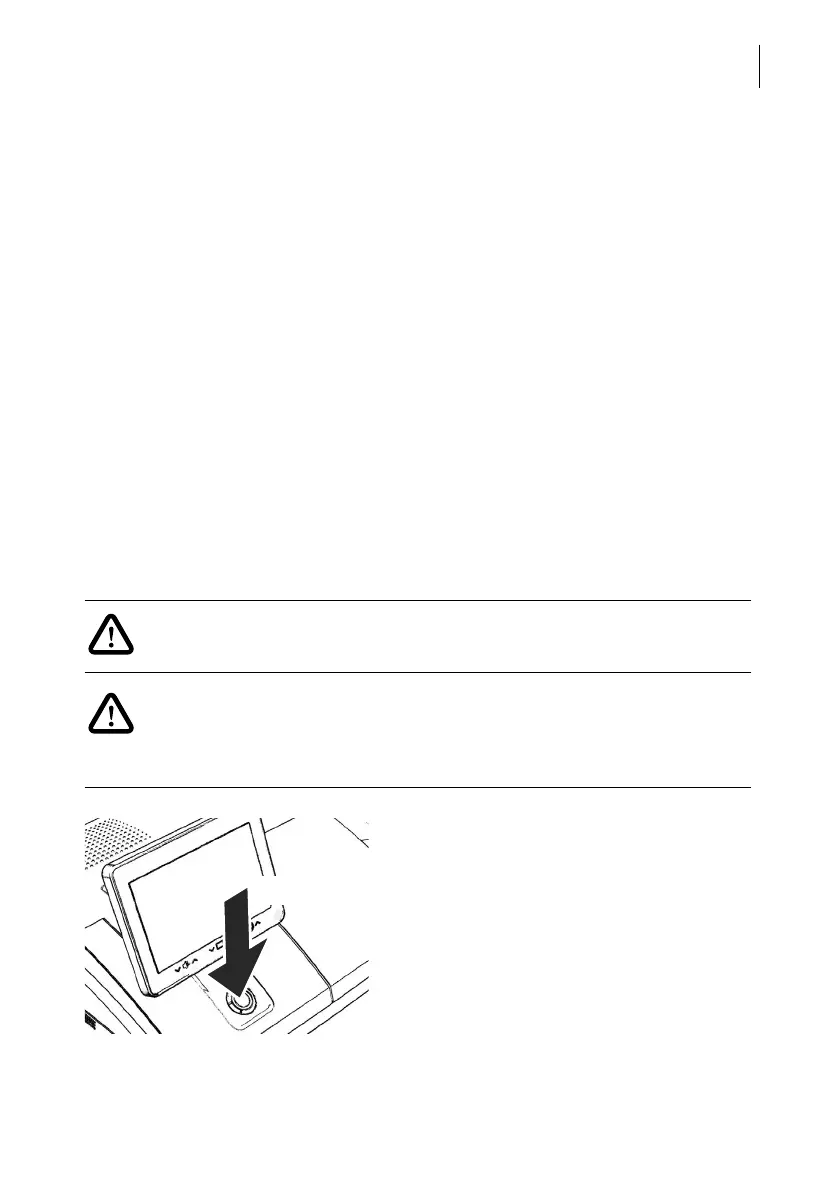
• Turn PostBase Fusion off.
• Pull the power plugs of the postage meter
and of all peripherals such as the feeder
out of the outlet.
• Clean dirt from the housing with a slightly
damp cloth. You can also use a commer-
cially available dishwashing detergent.
3 seconds



 To Next Page