Download postage
87
8 Download postage
To load postage, you connect to the data center with a requested amount of postage
to download. Funds must be available either as pre-paid or via ACH.
If meter users are enabled, postage download may be restricted. In that case, please
contact the system administrator.
• Make sure PostBase Fusion is ready to
connect to the data center (network con-
nection via LAN cable or
Wi-Fi).
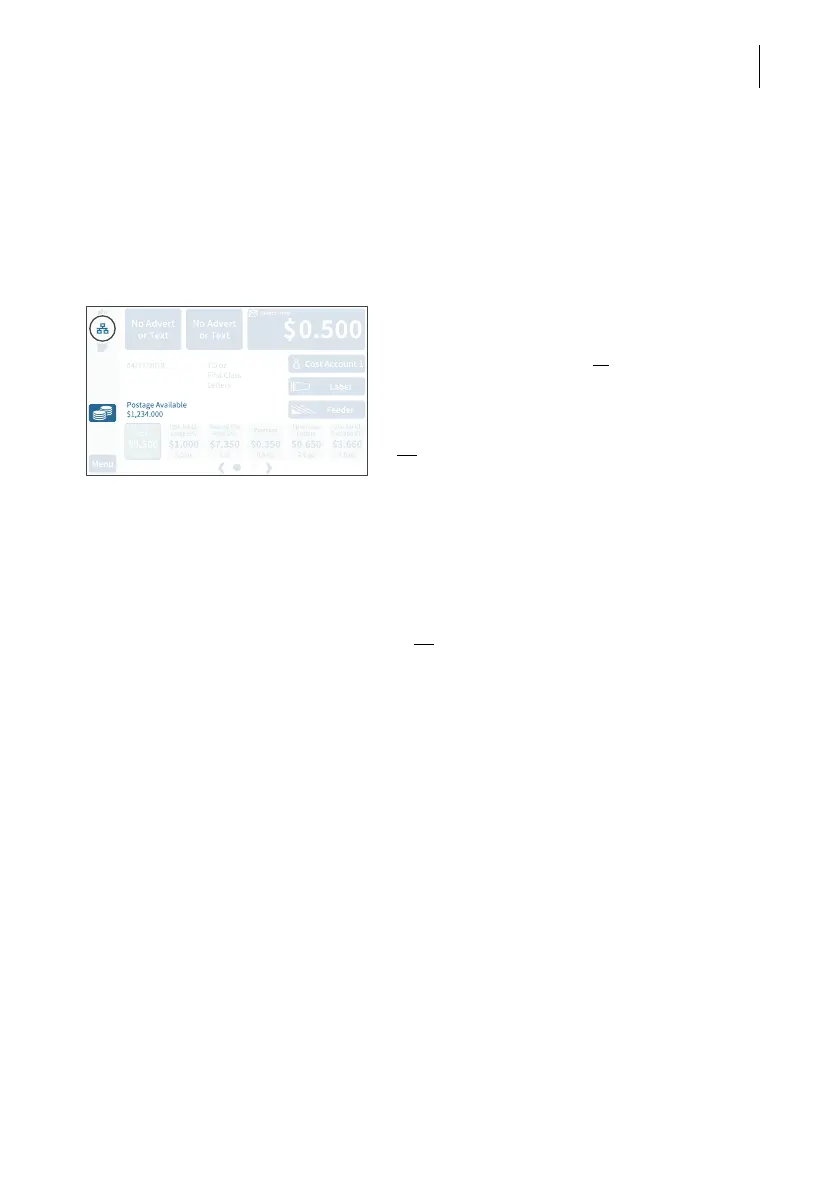
• In the menu bar, tap the download postage
button.
Or
:
• Open the M
ENU.
• Choose D
OWNLOAD POSTAGE.
PostBase Fusion opens the setting menu for
the amount to be loaded.
Set amount • Keep the displayed amount.
Or
Type the desired amount.
• Confirm the displayed amount with L
OAD
and continue.
Adding postage To load the displayed sum:
• Confirm the confirmation prompt with Y
ES.
PostBase Fusion will then establish a
connection to the data center. Loading
continues automatically. Please stand by.
Data exchange may take some time.
The new postage available amount is dis-
played when the download is complete.
• Use R
EPORT to view and print a receipt of
the postage download.



 To Next Page