Metering
85
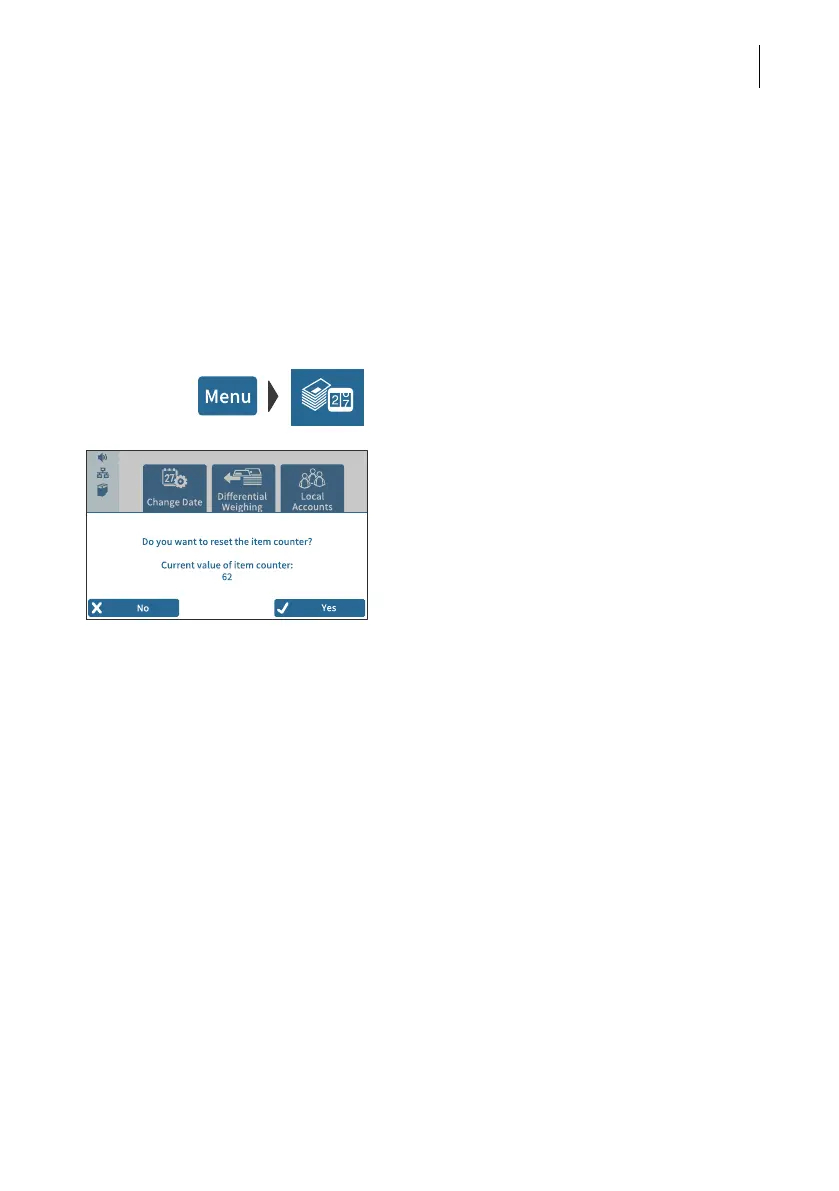
6.6 Displaying and resetting the item counter
Apart from the counter for meter imprints in the register and the local account count-
ers, the PostBase Fusion features an item counter for meter imprints you can use as
you like. The item counter counts all meter imprints. Test prints are not registered.
Independently of other counter functions, you can reset this item counter to zero or
use it as a daily or job counter.
Displaying the item counter
• Open the M
ENU.
• Select P
IECE COUNTER.
PostBase Fusion opens a pop-up, in which
you can see the number of mail pieces that
have been metered since the last reset.
• Tap on N
O to return to the menu without
deleting the item counter.
Resetting the item counter
• In the pop-up confirm the query by tapping
Y
ES.
PostBase Fusion resets the item counter to
zero and shows the menu again.



 To Next Page