PostBase Fusion
98
10.4 Deleting a shortcut
Shortcuts that are no longer needed can be deleted or overwritten. You cannot delete
the first shortcut as it is the default value setting after it is turned on.
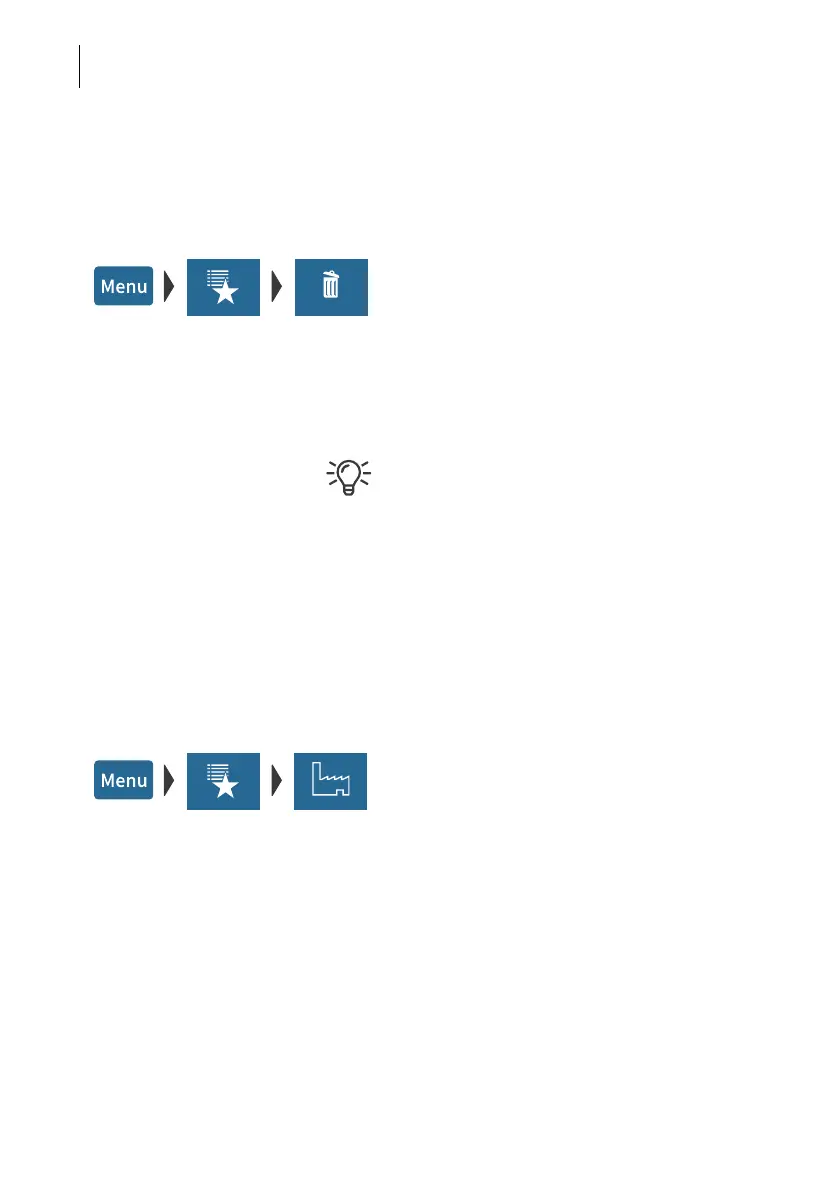
• Open the M
ENU.
• Choose M
ANAGE SHORTCUTS.
• Choose D
ELETE.
• Tap on the shortcut that you want to delete.
After the confirmation prompt, this shortcut is
deleted.
Shortcuts with an assignment defined by the
rate table (default shortcuts) cannot be per-
manently deleted. These shortcuts will be
available again after the mailing system has
restarted.
10.5 Resetting shortcuts to default
When shortcuts are reset, all shortcut storage spaces are emptied and the default
shortcuts defined by the rate table are restored.
• Open the M
ENU.
• Choose M
ANAGE SHORTCUTS.
• Choose R
ESET TO DEFAULTS.
After the confirmation prompt,
PostBase Fusion resets all shortcuts.



 To Next Page