Setting the meter imprint
55
Using a shortcut
• Tap the desired shortcut.
If necessary:
• Weigh the mail pieces.
The rate is set for metering.
To save a rate as a shortcut: press and hold
the corresponding shortcut.
Refer to chapter 10 to learn how to save
products as shortcuts, rename and delete
shortcuts as well as reset them to factory
defaults.
5.1.2 Setting mailing data
In the Home screen:
• Tap the postage button.
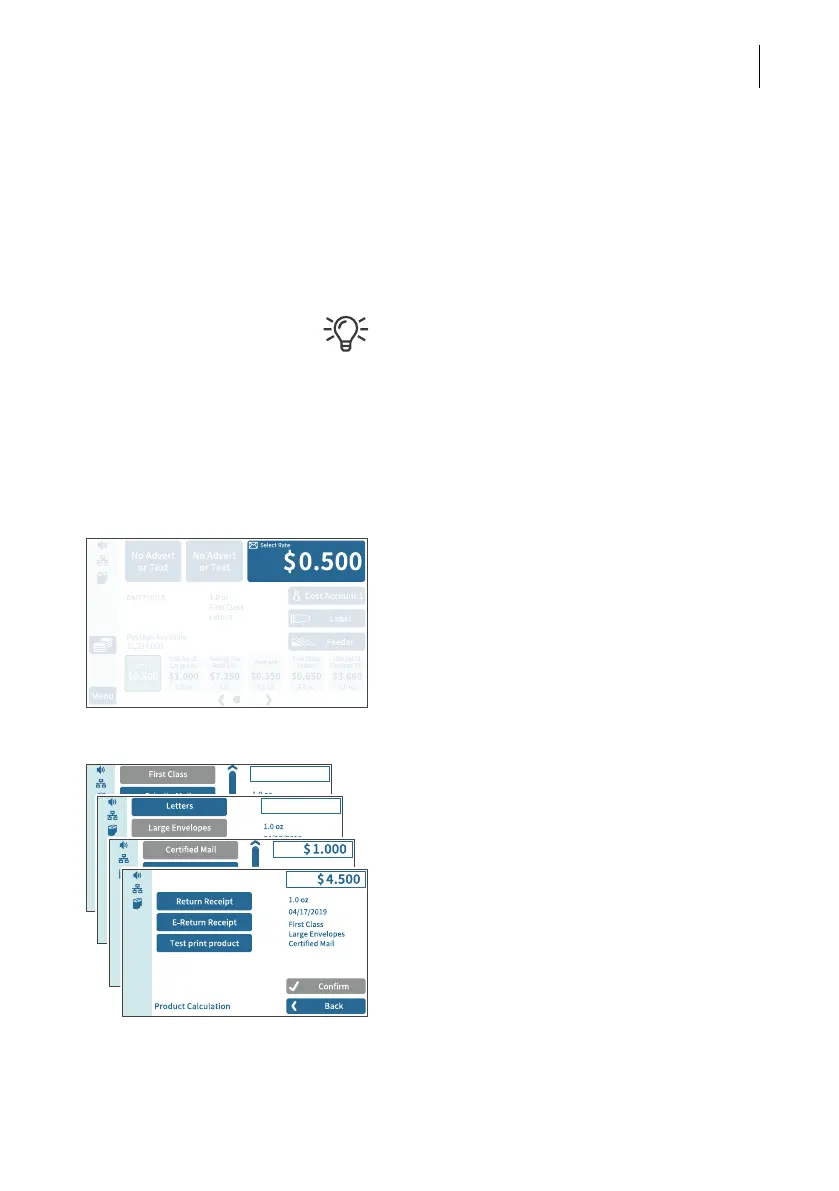
PostBase Fusion opens the rate selection
(Product Calculation menu).
Selecting mailing data
PostBase Fusion requests all necessary
information on the mail piece in turn.
• Tap each of the desired settings.
The selected mailing data appears on the
right of the display. As soon as all the neces-
sary mailing data has been set, the postage
appears.
When the desired mailing data is set:
• C
ONFIRM and return to the Home screen.



 To Next Page