PostBase Fusion
176
16.7 Manually moving the ink cartridge to the exchange
position
If need be, the ink cartridge can be removed without the postage meter running (e.g.
in case the postage meter is defective and is to be send to the Customer Service).
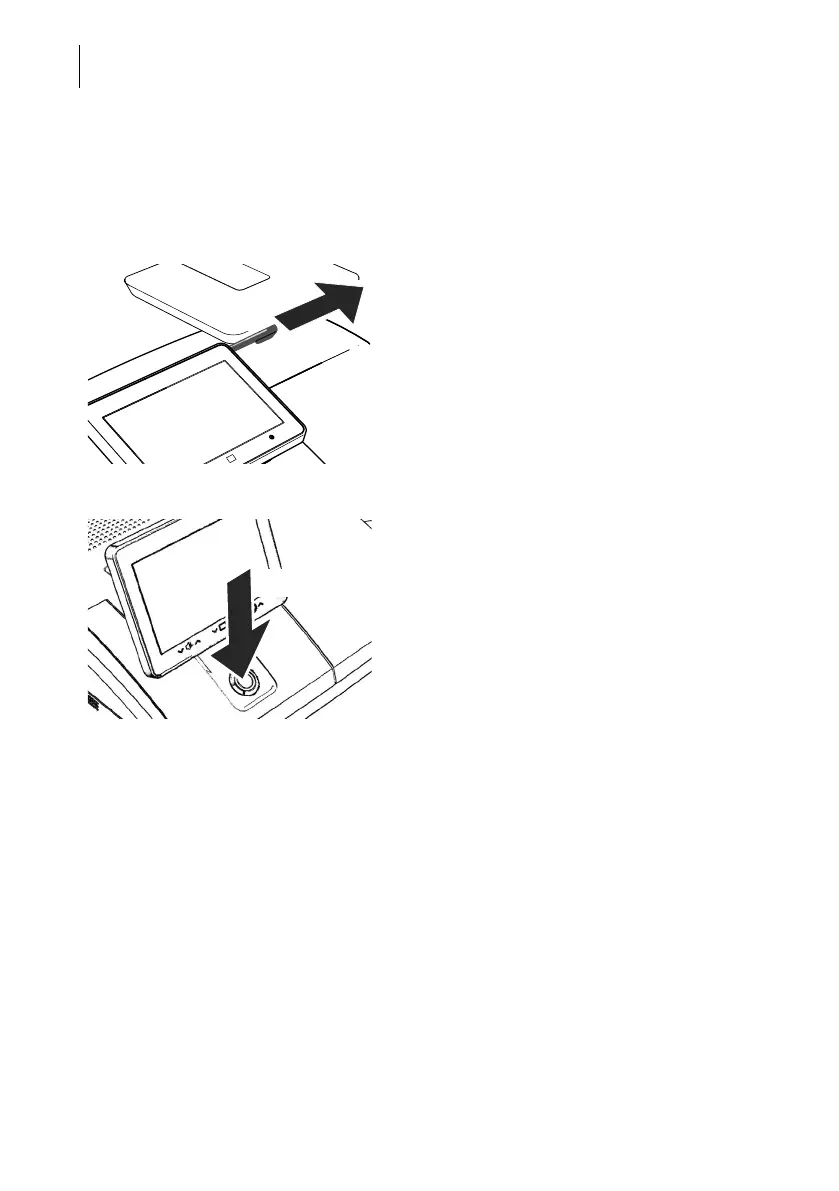
• Take the stylus from its carrier behind the
display. You will need the stylus to operate
the cartridge mechanism.
Disconnect the PostBase Fusion from the power • Turn PostBase Fusion off.
The PostBase Fusion will complete any cur-
rent actions, lowers the display and then
switches off. The display light and button illu-
mination go out.
• Unplug the power plug from the outlet.
3 seconds



 To Next Page