The basics of operation
49
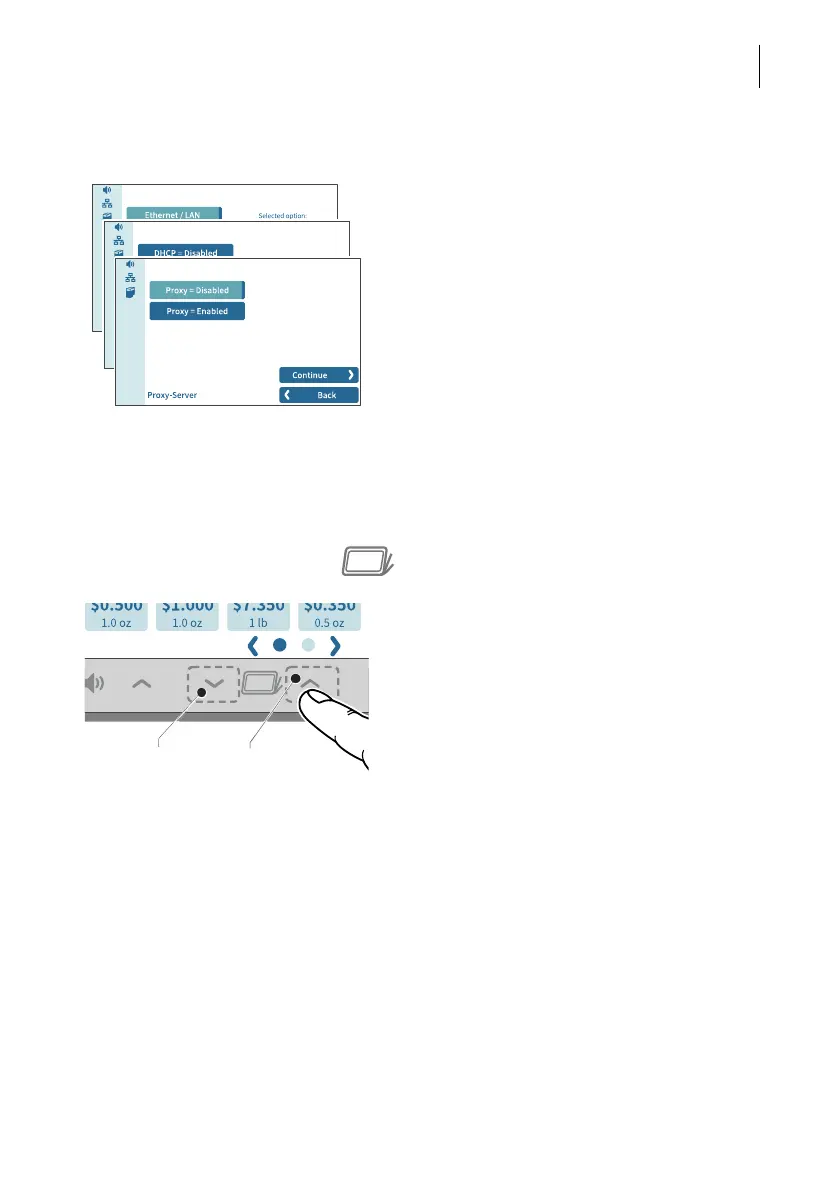
4.3.9 Procedures / wizards
PostBase Fusion guides you step-by-step
through all the necessary entries for compre-
hensive settings, e.g. when configuring the
network connection. Different window types
are used depending on requirements.
Use C
ONTINUE to apply the current setting
and proceed to the next step.
Use B
ACK to return to previous steps.
4.4 Adjusting the display angle
The display angle can be adjusted by using the motor. Simply press the sensitive
areas to the left and right of the icon on the display frame.
• Press and hold the desired function (raise /
lower) until the display is in the desired
position.
When turning off the unit, PostBase Fusion
lowers the display to its home position. When
the unit is turned on, the display returns to the
set position.
Lower
Raise



 To Next Page