PostBase Fusion
40
Disconnecting the PostBase Fusion from
mains
Caution! Make sure to always turn the
PostBase Fusion off with the ON/OFF button
before disconnecting the PostBase Fusion
power cables. Never pull the power plug or
separate the power supply in any other way
before the printing system has reached its
sealed position. This is the only way to prevent
drying up and to ensure a permanently high
print quality.
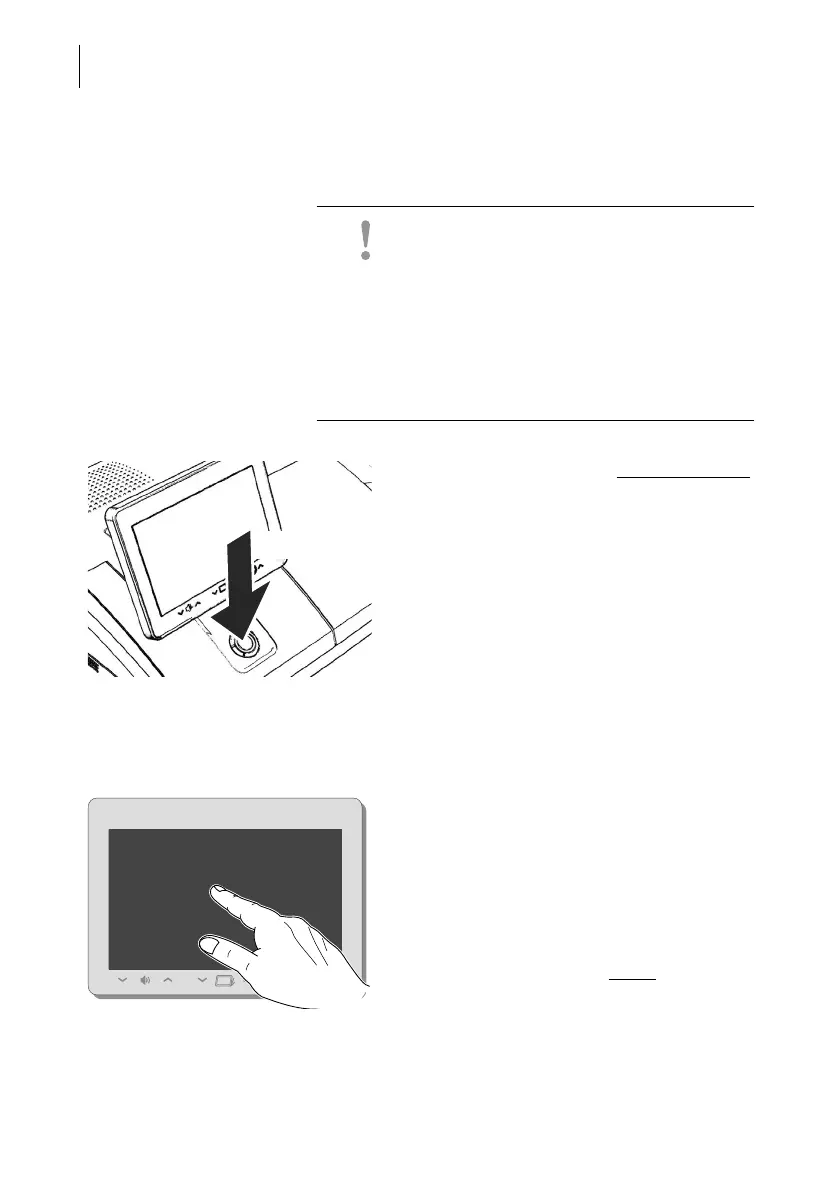
• Press the ON/OFF button for three seconds
to turn the PostBase Fusion off.
When the illumination is off:
• Unplug the power plug from the power
outlet.
4.2 Standby (Sleep mode)
If you do not use the mailing system for a
while, it automatically switches to Sleep
mode (standby).
The display is dark and the ON/OFF button is
illuminated in standby.
Briefly touch the display to “wake up”
PostBase Fusion.
As an alternative, you can briefly
press the
ON/OFF button.
3 seconds



 To Next Page