PostBase Fusion
66
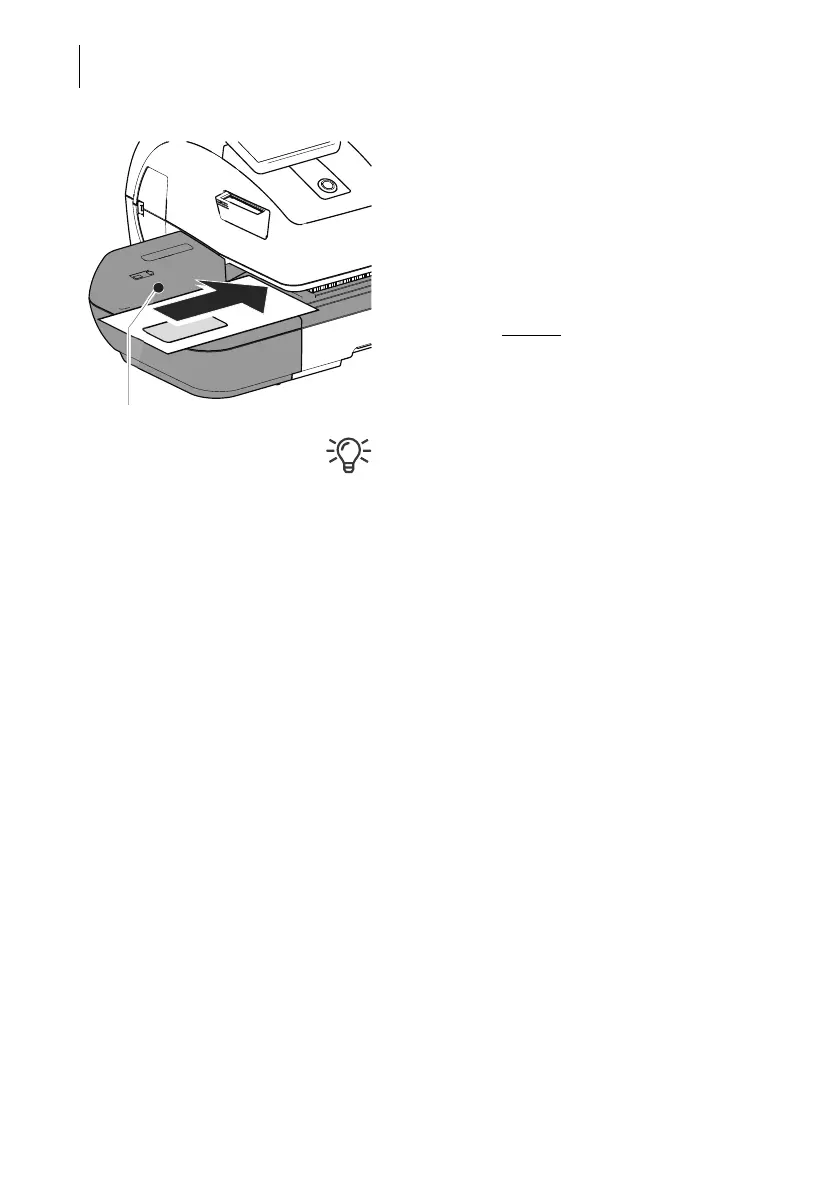
Print test on an empty envelope
• Position an empty envelope (or a postcard)
for the test print:
– Side to be printed face up.
– The top edge is flush with the contact
area.
• Push the envelope in the direction of the
arrow and release
.
PostBase Fusion generates the test print and
then draws in the envelope and prints.
You can read more about the topic “Feeding
letters” in chapter 6.3.
Contact area



 To Next Page