Appendix – User interface symbols
147
User interface symbols (overview)
The following overview shows and explains the symbols in the user interface of the
PostBase One franking system, grouped by
– standard buttons and status indications
– menu functions
– error categories.
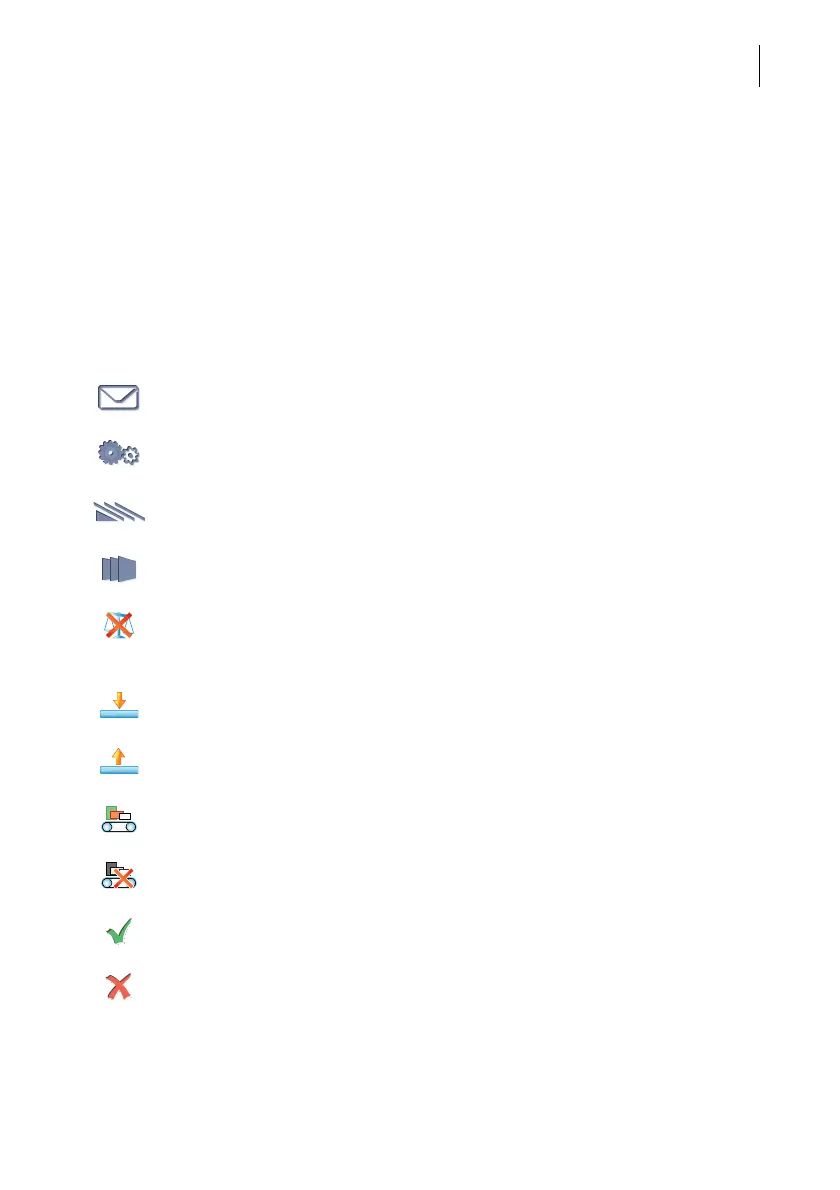
Standard buttons and status indications
Open the Product Calculation menu (setting mailing data / postal product)
Open the Menu
(access system settings, special features, administration functions)
Batch processing with the feeder and / or label printing
Use feeder
Use label print function / franking labels
No scale available
(in the Product Calculation menu, use the ‘Manual weight input’ option for
setting the weight manually)
Static scale is active: normal weighing mode (differential weighing = off)
Static scale is active: differential weighing mode
(differential weighing = on)
Dynamic weighing feature is used
Dynamic weighing feature is disabled
OK / Finished / Confirm / Save / Yes
Cancel / No



 To Next Page