Special imprints and functions
79
During processing, PostBase One shows the
next number to be printed in the upper right
corner of the display.
The ‘Print Numbers’ special function has its
own counter. PostBase One shows the
number of imprints on the upper right side of
the display. When quitting the ‘Print Num-
bers’ function, the counter is reset to ‘0’.
12.4 Feed Only / Count mail pieces
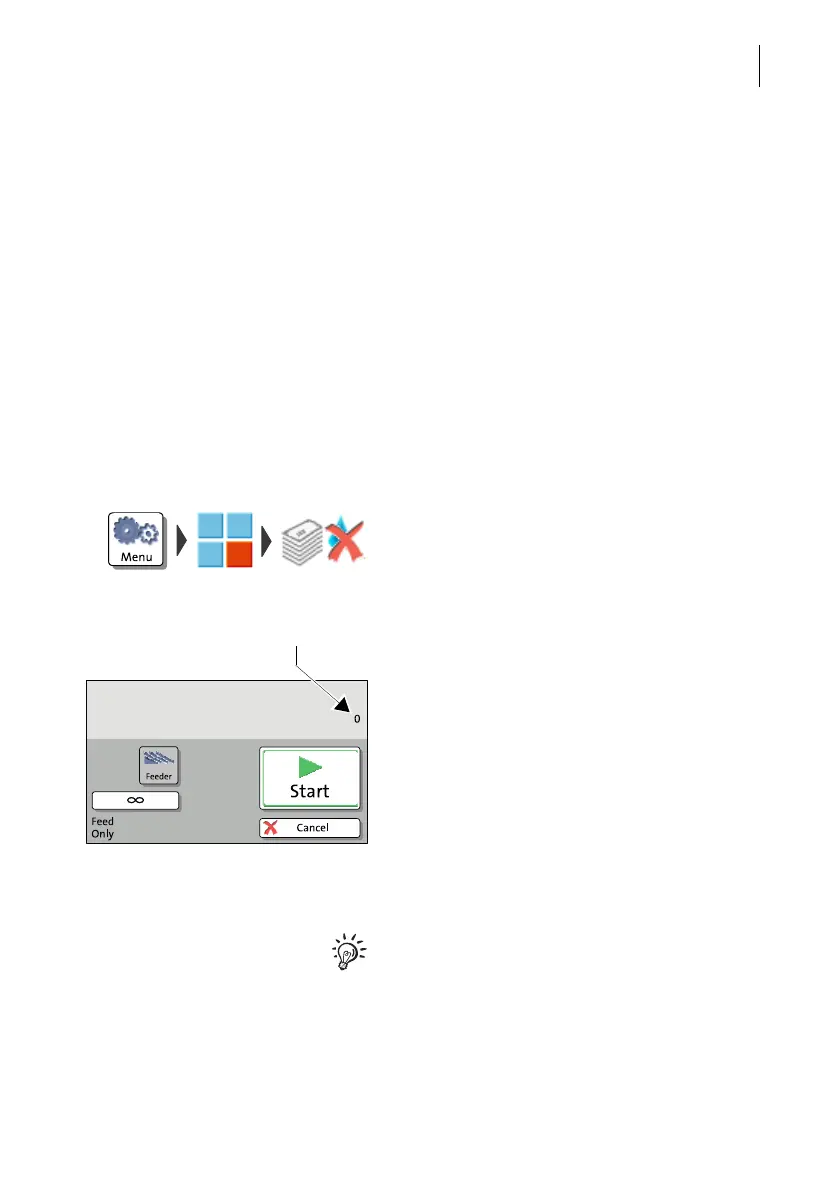
With the special function ‘Feed Only’, you can process mail without printing. In this
way, you can count mail pieces and prepare your bulk mail for dispatch in counted
stacks.
• Open the M
ENU.
• Choose S
PECIAL FUNCTIONS.
• Choose F
EED ONLY.
• Position letter stack on the feeder / start let-
ter transport.
When stack processing with the automatic
feeder for the ‘Feed Only’ special function,
proceed exactly as when franking mail. For
detailed information, please read
chapter 5.3.2.
The ‘Feed Only’ special function has its own
counter. PostBase One shows the number of
transported mail pieces on the upper right
side of the display. When quitting the ‘Feed
Only’ function, the counter is reset to ‘0’.
The ‘Feed Only’ special function is also
available when working without feeder.
You then have to position mail pieces individ-
ually on the hand feed tray.



 To Next Page