Franking
59
5.5 Displaying and clearing down the item counter
Apart from the counter for franking imprints in the register and the account counters,
the PostBase One features an item counter for franking imprints you can use as you
like.
The item counter counts all franking imprints. Test prints are not registered.
Independently of other counter functions, you can reset this item counter to zero or
use it as a daily or job counter.
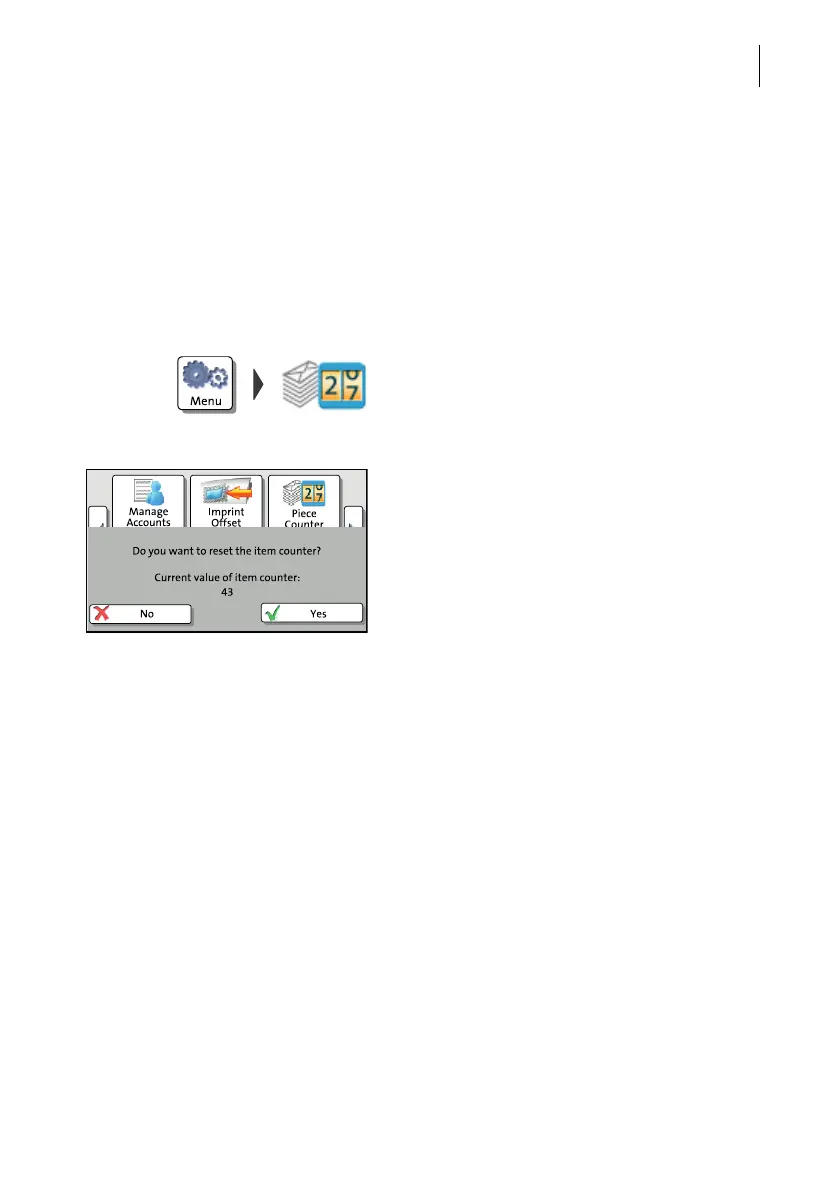
Display item counter
• Press the MENU button.
• Select P
IECE COUNTER.
PostBase One opens a pop-up displaying
the number of franked mail pieces since last
resetting the piece counter.
• Press NO to return to the MENU without
clearing the item counter.
Reset item counter
• In the pop-up, confirm the prompt with Y
ES.
PostBase One resets the item counter to
zero and returns to the M
ENU.



 To Next Page