Advanced settings & system information
93
Disable access control
Caution! If you disable access control, all
users will be deleted without prior warning.
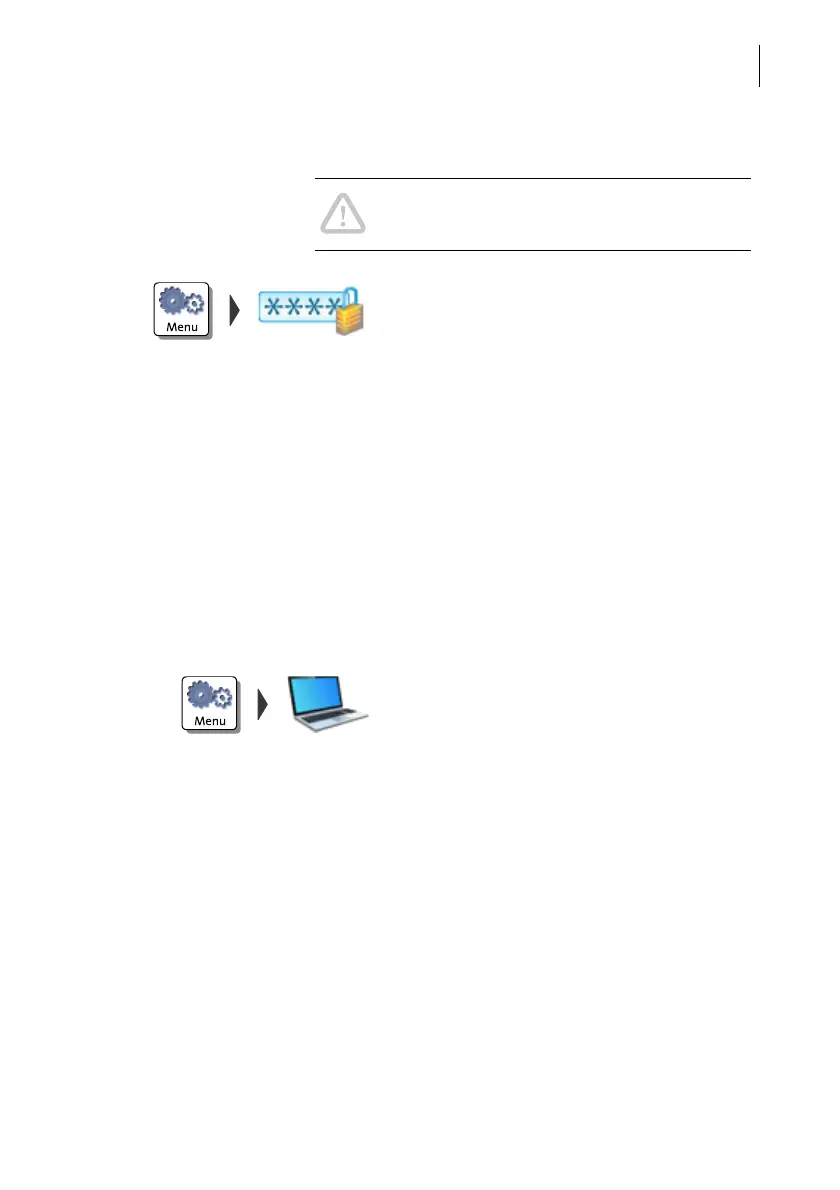
• Open the MENU.
• Choose M
ANAGE PIN.
• Confirm the prompt with C
ONTINUE.
Access control is disabled.
14.11 Switch PC Software Mode on / off
You can set up the franking system in such a way that franking is only possible when
connected to a PC and special FP software for PostBase franking systems (PostBase
NavigatorBasic / NavigatorPlus or MailReport for PostBase). Thus, you can make
sure that all frankings are registered on the PC for reporting and analysis purposes.
For information on NavigatorBasic / NavigatorPlus and MailReport, please visit our
website or contact your local sales agent.
• Open the M
ENU.
• Choose PC S
OFTWARE MODE.
PostBase One opens the adjustment menu
for the PC Software Mode. The current set-
ting is shown on a dark background.
• Select the desired setting.
•S
AVE the setting shown.



 To Next Page