The basics of operation
29
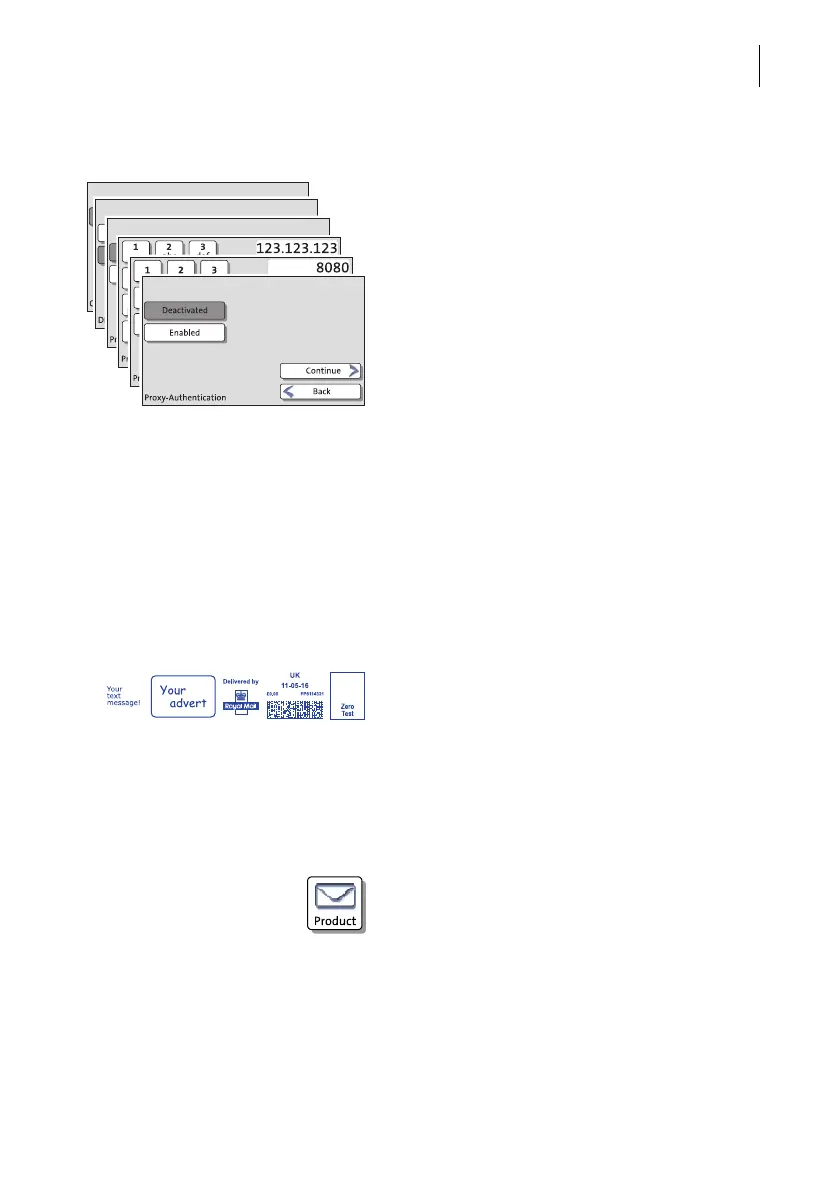
3.7.8 Procedures (wizards)
For more complex settings, e.g. when setting
up connection data, the PostBase One
opens a ‘procedure’, guiding you through all
necessary actions step by step. Different win-
dow types are used, depending on require-
ments.
Press C
ONTINUE to accept the current set-
tings and to go to the next step.
You can press B
ACK to return to previous
steps.
Pressing B
ACK at the beginning of the
procedure will discard all settings and
close the procedure.
3.8 Zero test print
Using a zero test print, you can assess the settings for the franking imprint as well as
the print quality.
Zero test print (example) The impression shows ‘Zero Test’ and the
postage value ‘£0.00’. Never post zero test
prints.
Test prints are logged in the registers.
Setting a zero test print
• Set the desired parameters for the franking
imprint (advert, SMS text etc.).
• Press the P
RODUCT button in the Home
screen.



 To Next Page