PostBase One Franking System
68
10.2 Franking DX mail
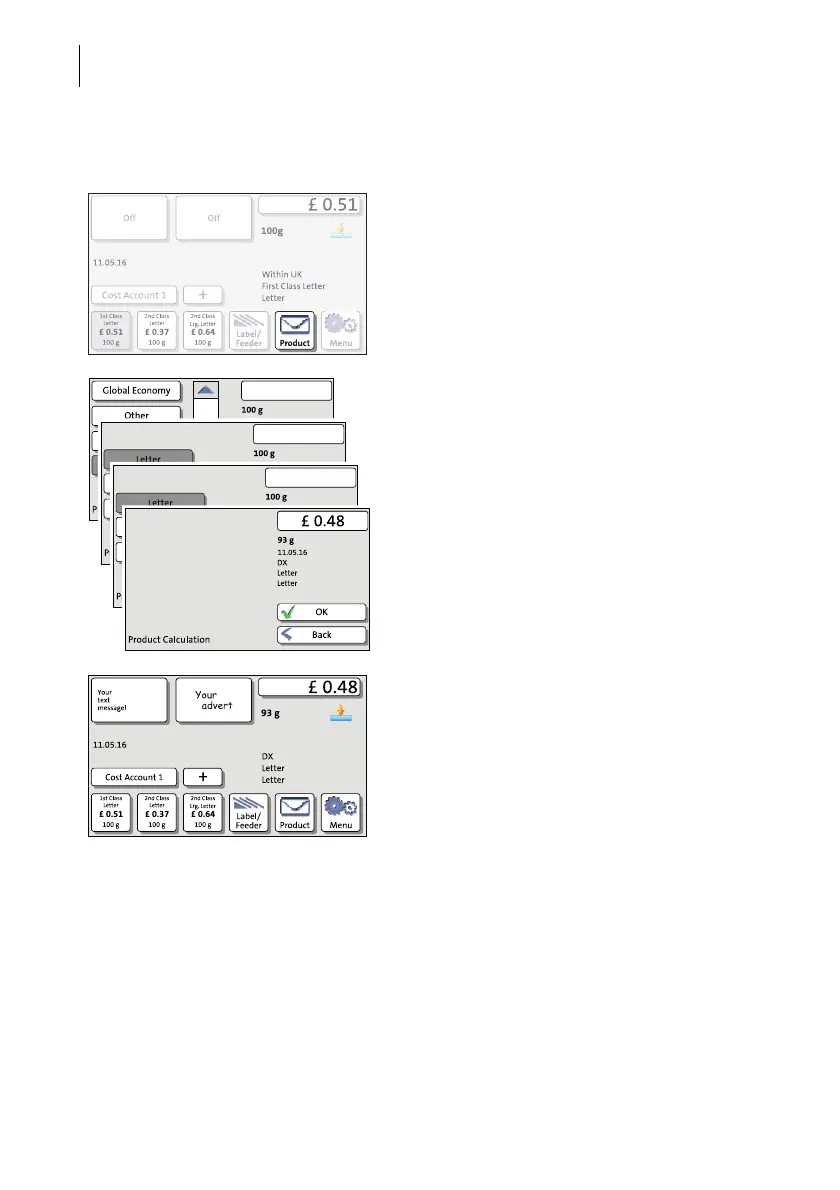
Setting the DX imprint
• Press the P
RODUCT button in the Home
screen.
• In the Product Calculation menu, choose
DX.
• Select the desired DX product and, if
needed, the desired scale.
• Weigh the mail piece if needed.
PostBase One sets the postage based on the
selected DX product and the displayed
weight.
• Press OK to return to the Home screen.
• Check all other settings for the imprint and,
if necessary, edit them accordingly (date,
advert, SMS text).



 To Next Page