Using the DX feature
69
Printing the DX imprint
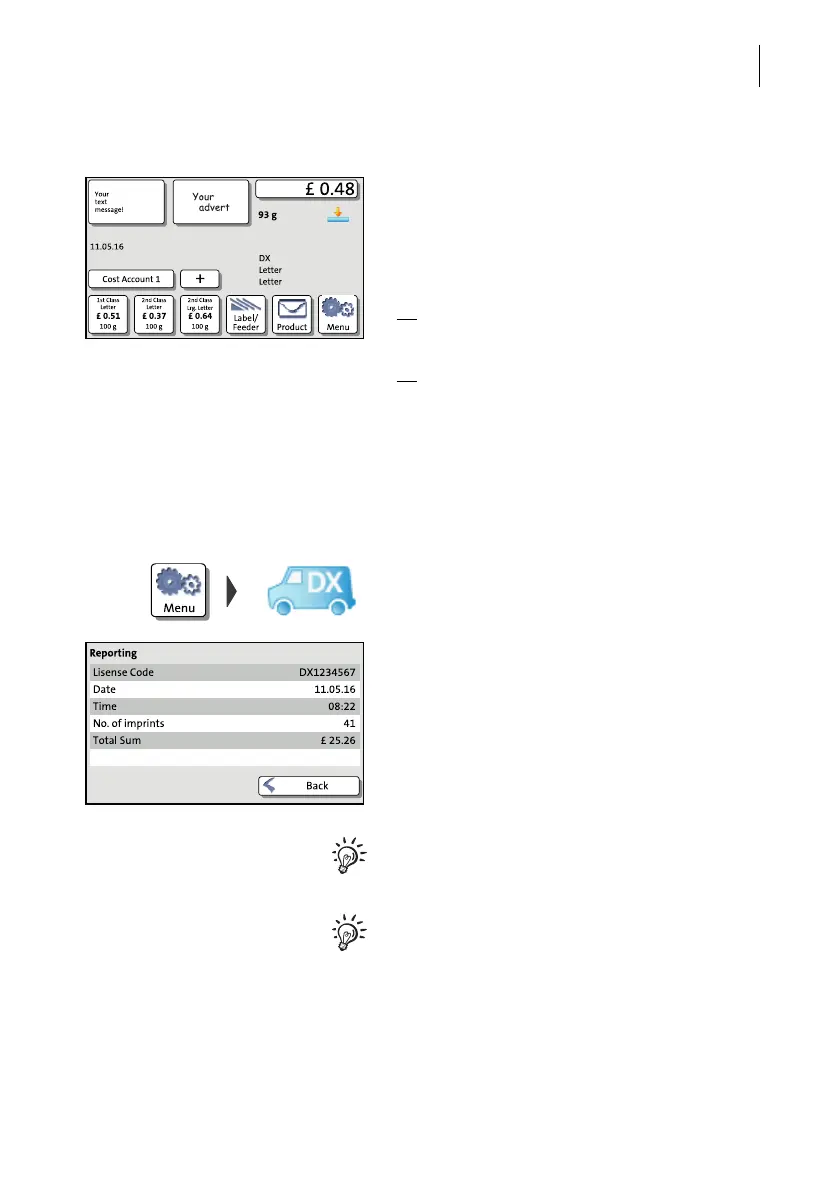
You can start printing when the Home screen
shows the desired DX imprint settings. Pro-
ceed as usual:
• Position your mail piece on the hand feed
tray.
Or
• Start label printing.
Or
• Use the feeder.
10.3 Displaying DX information
PostBase One records the number and the value of all DX franking procedures.
• Open the MENU.
• Choose DX R
EPORT.
You see the DX license code, the number
and the total value of all DX imprints as well
as the current date and time.
You cannot reset the DX counter.
When a new DX license code will be as-
signed to your PostBase One, the number of
imprints and total sum will be zeroed for new
accounting.



 To Next Page