Printed Postage Impression – PPI
65
9 Printed Postage Impression – PPI (optional)
When dispatching big amounts of mail, PPIs – marks printed onto the mail pieces to
indicate that postage has been paid – offer a cost-efficient alternative to regular frank-
ing. The PostBase One franking system then serves as a mere stamping machine
with a special reporting function. Printed Postage Impressions are NOT logged in the
registers and account information.
In order to print PPIs the optional PPI feature has to be enabled in your
PostBase One. For activation of the PPI feature, please contact the FP aftersales
service or your local sales agent.
PostBase One can print the following PPIs:
– for 1st Class
– for 2nd Class
– for Economy
– for Advertising Mail with Big Book option.
All imprints contain the POSTAGE PAID
mark and your PPI license number. Addition-
ally, advertising imprints (advert / SMS text)
may be printed.
Setting the imprint
• Open the M
ENU.
• Choose PPI ROYAL MAIL.
• Press the button of the desired PPI
(1
ST CLASS, 2ND CLASS, ECONOMY or
BIG B
OOK).
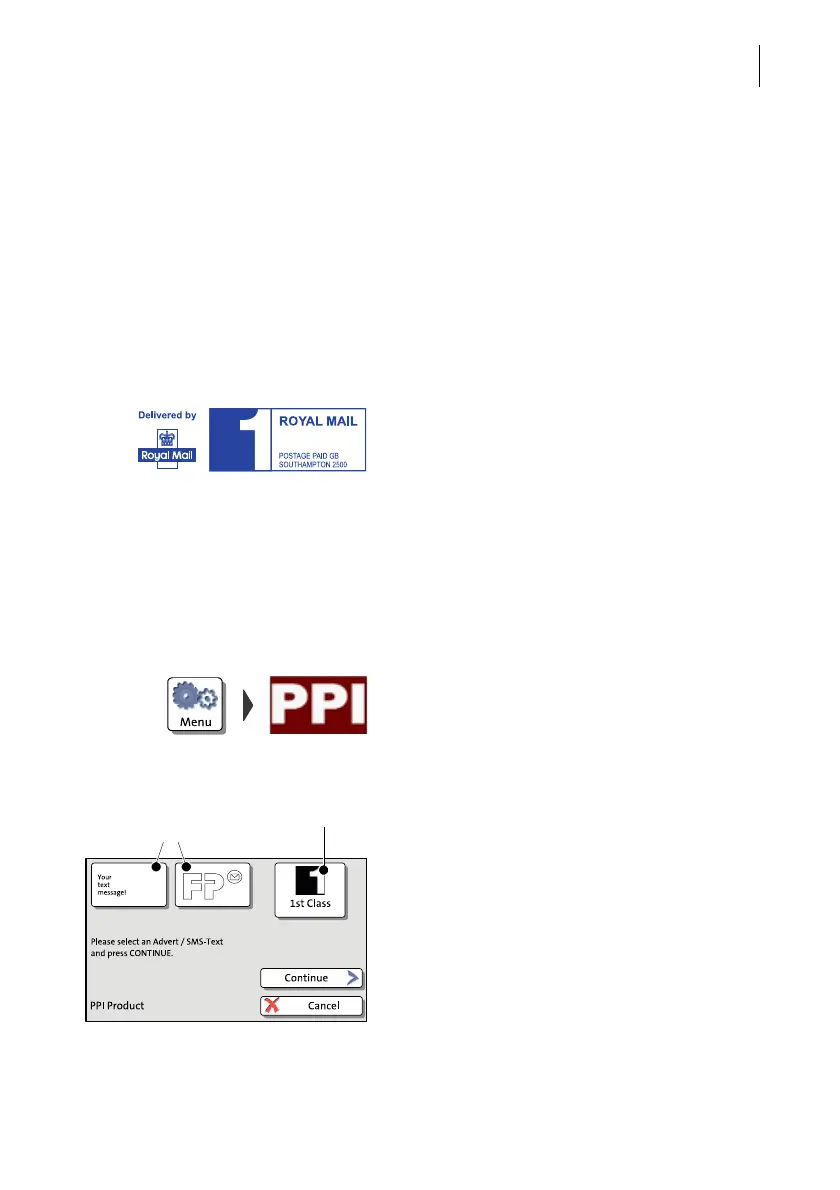
PostBase One opens the ‘PPI product’
menu.
The set PPI (in the example ‘1st Class’) and
the two advertising imprint buttons show the
print image for this special function.
• Set the advertising imprints as usual.
• Press C
ONTINUE to confirm the displayed
setting and proceed.
PostBase One opens the batch processing
pop-up for printing the PPIs.
(Example: First Class PPI)
Set advertising imprint
text message / advert
The set PPI



 To Next Page