PostBase One Franking System
54
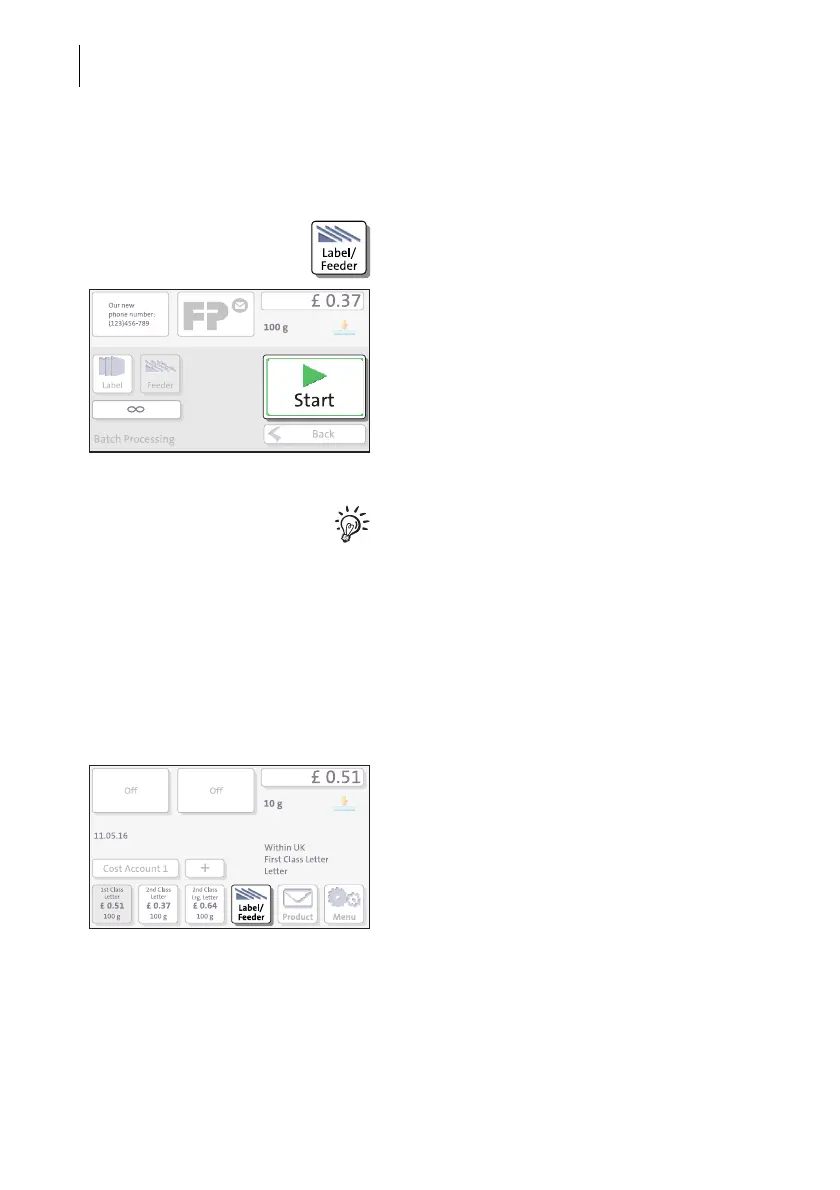
Starting / continuing batch processing
After an interruption or when there are
already letters in the feeder:
• In the Home screen, press the L
ABEL/
FEEDER button.
PostBase One opens the ‘Batch Processing’
pop-up.
• Press the START button.
You process single letters in the same man-
ner. Simply position a single letter / a post-
card instead of a letter stack on the feeder.
5.3.2.3 Using the batch counter
The batch counter provides you with the possibility to define the number of mail
pieces to be franked in advance. You can use this function to have a precise number
of mail pieces ready for dispatch.
When the Home screen shows the desired
settings for franking:
• In the Home screen, press the L
ABEL/
FEEDER button.



 To Next Page