PostBase One Franking System
22
3.7 Screen elements and operation philosophy
This chapter covers the user interface of the PostBase One franking system. You will
learn how to operate the touch screen, the screen elements and the menus, window
types and symbols.
3.7.1 The touch screen
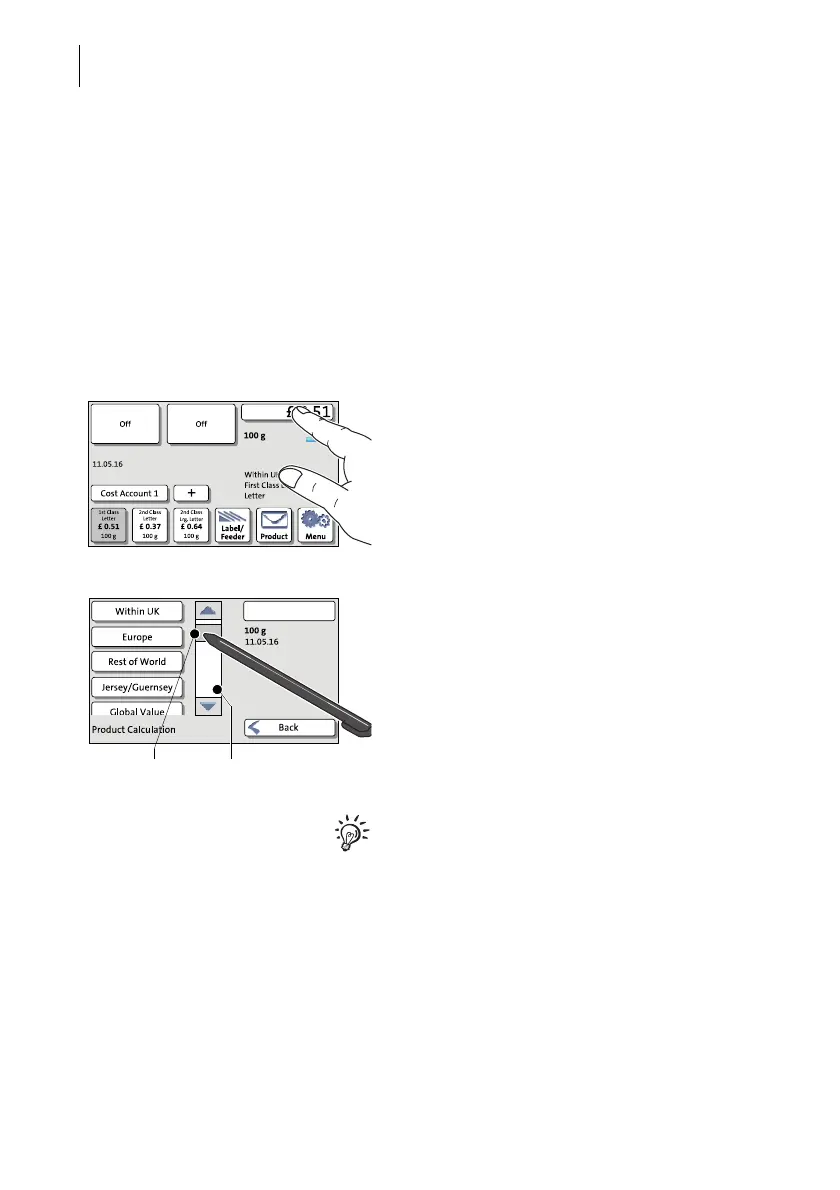
To operate the touch screen, simply touch the screen elements with your finger.
General operation philosophy
You briefly touch the desired screen element
(in the example: the postage button) with
your finger. PostBase One performs the cor-
responding action.
You can operate scrollbars with the arrow
buttons or by touching the slider and moving
it. The setting is updated when you lift your
finger off.
You can also use the supplied stylus instead
of your finger. The stylus is stored in a recep-
tacle on the back of the display.



 To Next Page