The basics of operation
23
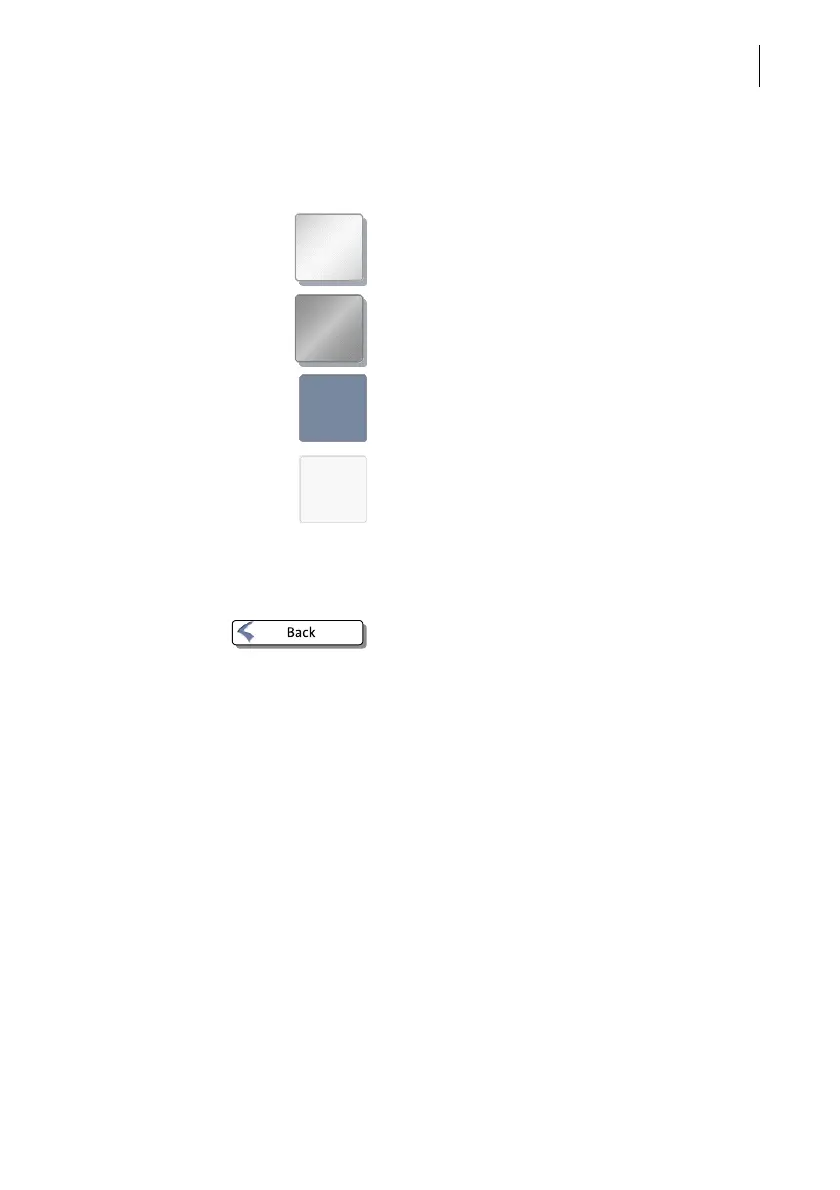
Buttons You distinguish buttons from the screen
background by a shadow. They can have
various states, depending on the function:
Button can be pressed / is active.
Button is selected / passive (cannot be
pressed).
Confirmation: Button is being pressed.
Button is deactivated / cannot be pressed.
Standard buttons The term ‘standard button’ refers to buttons
like for example SAVE, CANCEL, BACK or CON-
TINUE.
Depending on the function, the button label
can differ. The C
ANCEL / BACK button (if avail-
able) is always located in the bottom right
corner of the screen and goes back
one step / level.



 To Next Page