Alternative Carrier Mode
73
11.3 Franking in the Alternative Carrier Mode
You can start franking for the selected carrier as usual. Proceed exactly as when
using the regular franking mode.
• Position an envelope / a postcard on the
hand feed tray.
Or
• Start label printing.
Or
• Use the feeder.
For detailed information on positioning letters
and printing labels, please refer to chapter 5.
11.4 Exit Alternative Carrier Mode
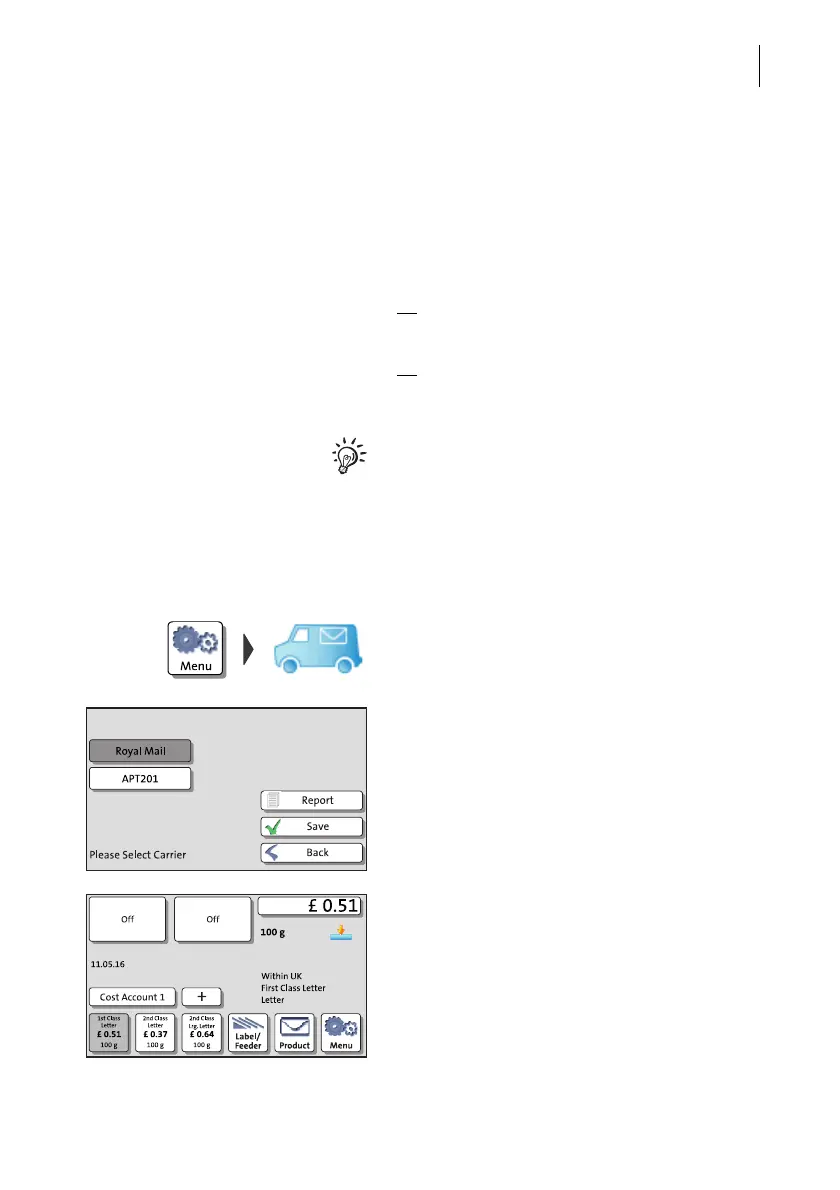
Exit the Alternative Carrier Mode in the same manner as you started it:
• Open the M
ENU.
• Select A
LTERNATIVE CARRIER.
PostBase One opens a list of all available
carriers. The currently set carrier is shown on
a dark background.
• Select ROYAL MAIL.
•S
AVE the selected carrier.
PostPase One exits the Alternative Carrier
Mode and returns to the regular franking
mode.



 To Next Page