PostBase One Franking System
66
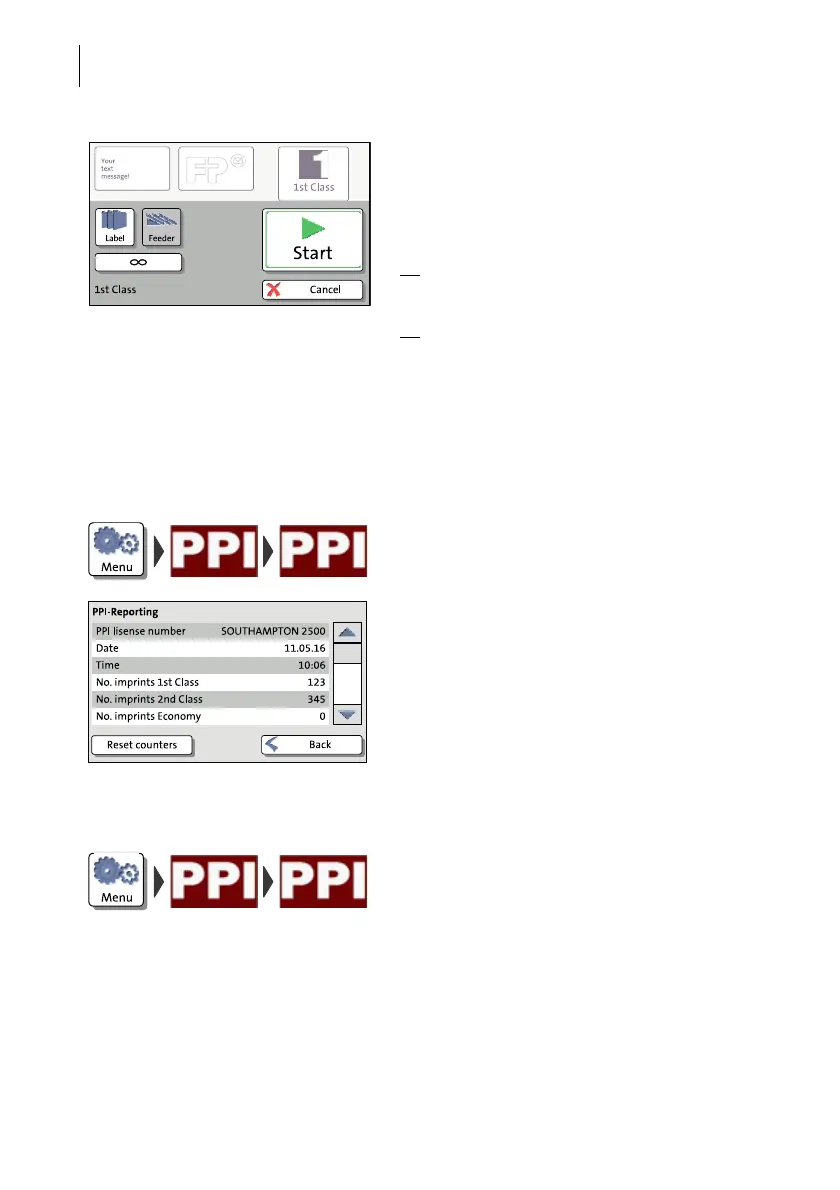
Printing PPIs
Proceed exactly as when franking:
• Position an envelope / a postcard on the
hand feed tray.
Or
• Start label printing.
Or
• Use the feeder.
PostBase One records the number of PPI
imprints in separate PPI counters.
Displaying PPI information
You can display your PPI license number and
the number of PPI imprints.
• Open the M
ENU.
• Choose PPI R
OYAL MAIL.
• Choose PPI R
EPORTING.
Resetting the PPI counters
• Open the M
ENU.
• Choose PPI R
OYAL MAIL.
• Choose PPI R
EPORTING.
• Press the R
ESET COUNTERS button.
All PPI counters are reset to zero immedi-
ately.



 To Next Page