PostBase One Franking System
30
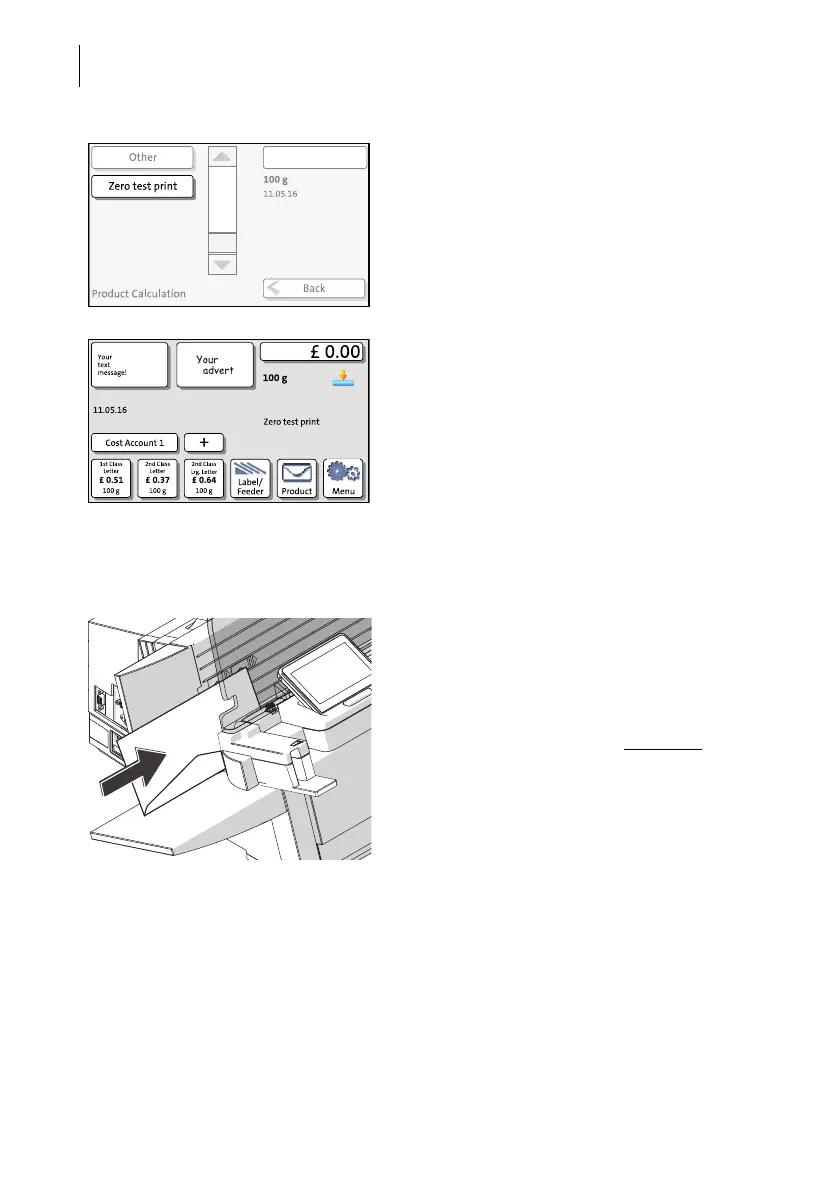
• Choose ZERO TEST PRINT.
• Press OK to return to the Home screen.
When the Home screen shows the ‘Zero test’
settings, you can start printing. Proceed
exactly as when franking.
Printing the zero test print on an envelope
PostBase One with hand feed tray • Place an empty envelope (or a post card)
on the hand feed tray:
– The side to be printed faces the back.
– Envelope flap to the bottom (envelope
stands on its upper edge).
• Push the envelope a few centimeters in the
direction of the arrow and let go of it
.
Letter transport starts automatically as soon
as the sensor recognises the envelope.
PostBase One automatically feeds the enve-
lope, prints a zero test print, and exits the
envelope to the right side.



 To Next Page