The basics of operation
31
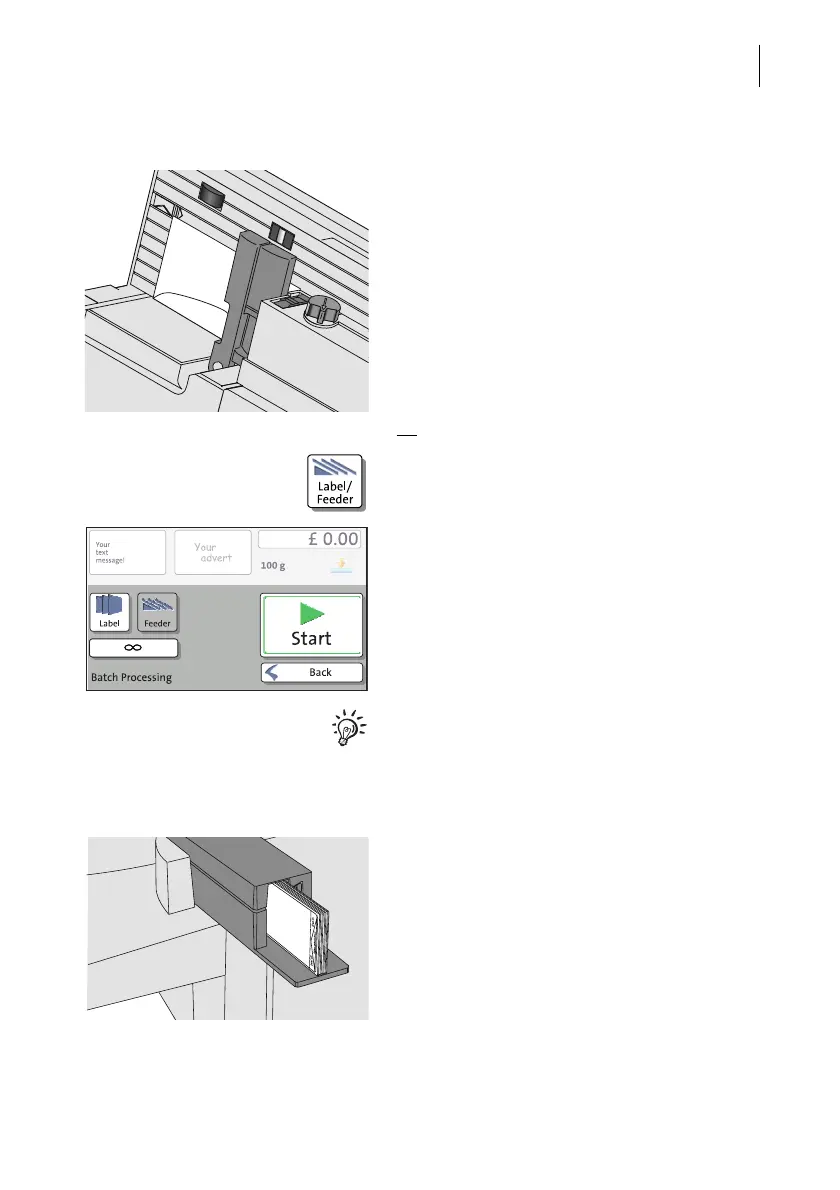
PostBase One with feeder Positioning an envelope on the feeder
(optional)
• Place an empty envelope (or a post card)
on the feeder:
– The side to be printed faces the back.
– Envelope flap to the bottom (envelope
stands on its upper edge).
The feeder starts automatically.
PostBase One feeds the envelope, prints a
zero test print, and exits the envelope to the
right side.
Or
• In the Home screen, press the LABEL/
FEEDER button.
PostBase One opens the ‘Batch Processing’
pop-up.
• Select FEEDER.
(In most cases, ‘Feeder’ is already
selected when opening the pop-up.)
• Press the S
TART button.
For detailed information on how to position
letters on the feeder, please read page 53.
Printing the test print on a label
• Insert labels in the label dispenser. For
details, please read chapter 5.4 on
page 56.



 To Next Page