Setting the franking imprint
37
Weigh mail piece / set weight
Caution! Please observe the following notes
on handling the static scale:
– Please observe the permissible maximum
weight of 7 kg.
– The scale only determines a new weight if
it was emptied before. Therefore, always
empty the weighing platform prior to putting
on a mail piece for weighing.
– The scale does not determine a new
weight while the letter transport is running.
Wait until the letter transport stops before
placing a mail piece to weigh.
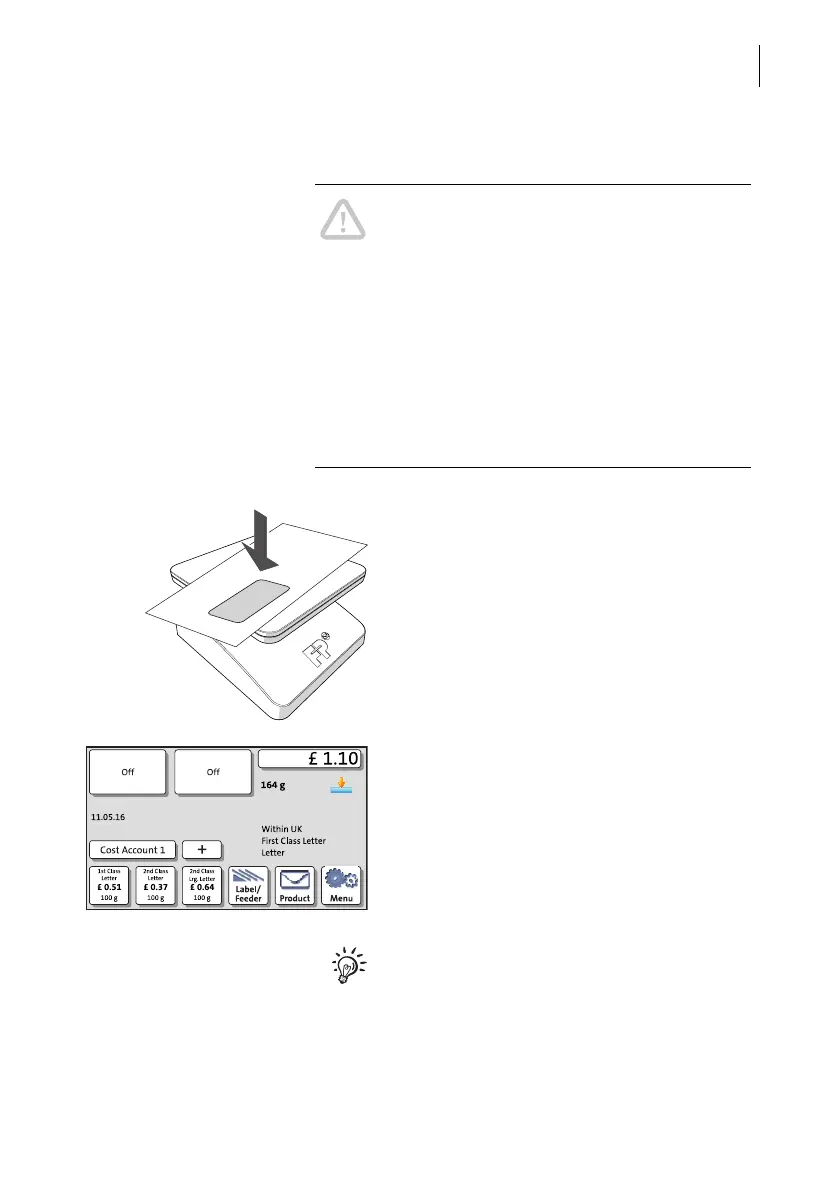
• Place the mail piece on the weighing plat-
form.
A tone signal indicates that the scale has
determined the mail piece’s weight.
The weight determined by the scale is now
set. PostBase One sets the postage based
on the displayed weight and the selected
mailing data.
With the static scale, you can weigh the mail
pieces in the Home screen and the Product
Calculation menu as well.



 To Next Page