PostBase One Franking System
42
Note: If the ‘Scale selection’ menu does not
appear during product calculation, you can
only weigh the mail pieces with the static
scale or enter the weight manually. In these
cases, the dynamic scale only transports the
letters.
Dynamic weighing
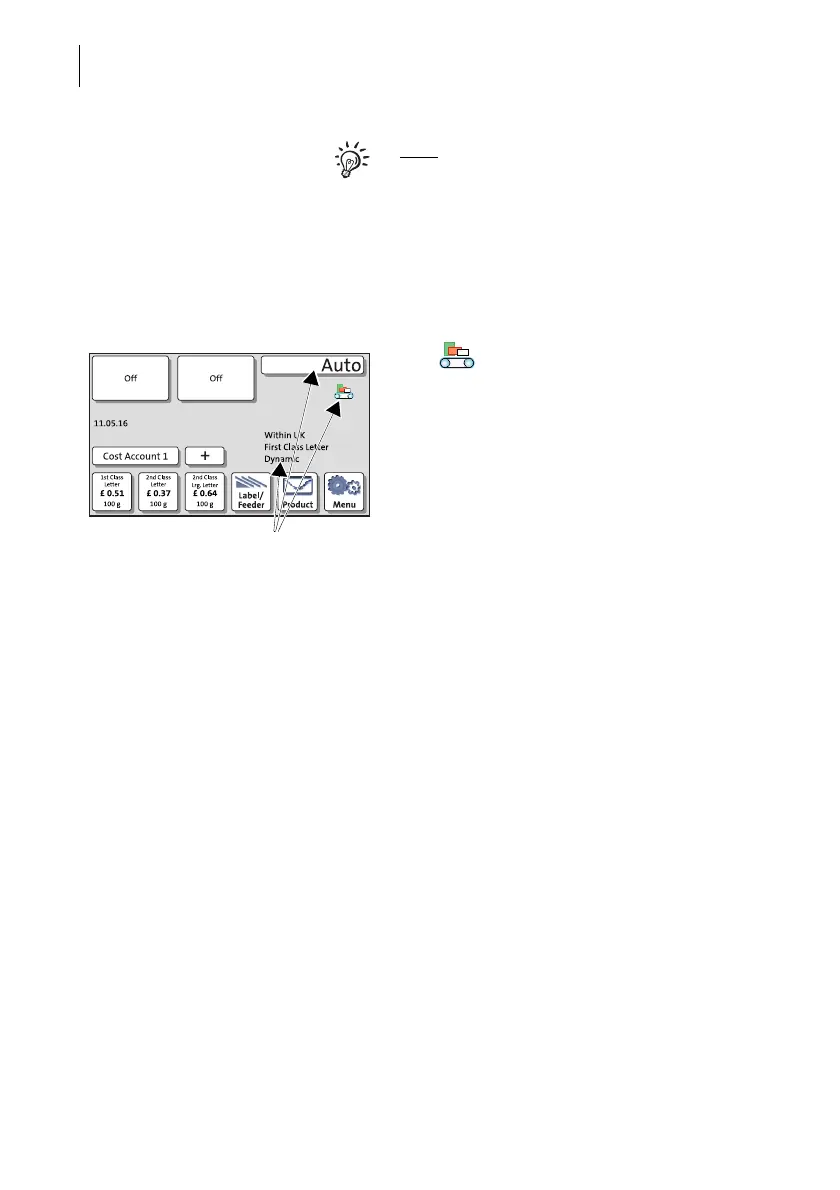
The icon in the Home screen signals
that the dynamic scale is active. Instead of
the postage value, Auto appears.
Only after batch processing starts – when the
dynamic scale detected weight and size of
the mail piece – the postage value appears.



 To Next Page