Special imprints and functions
75
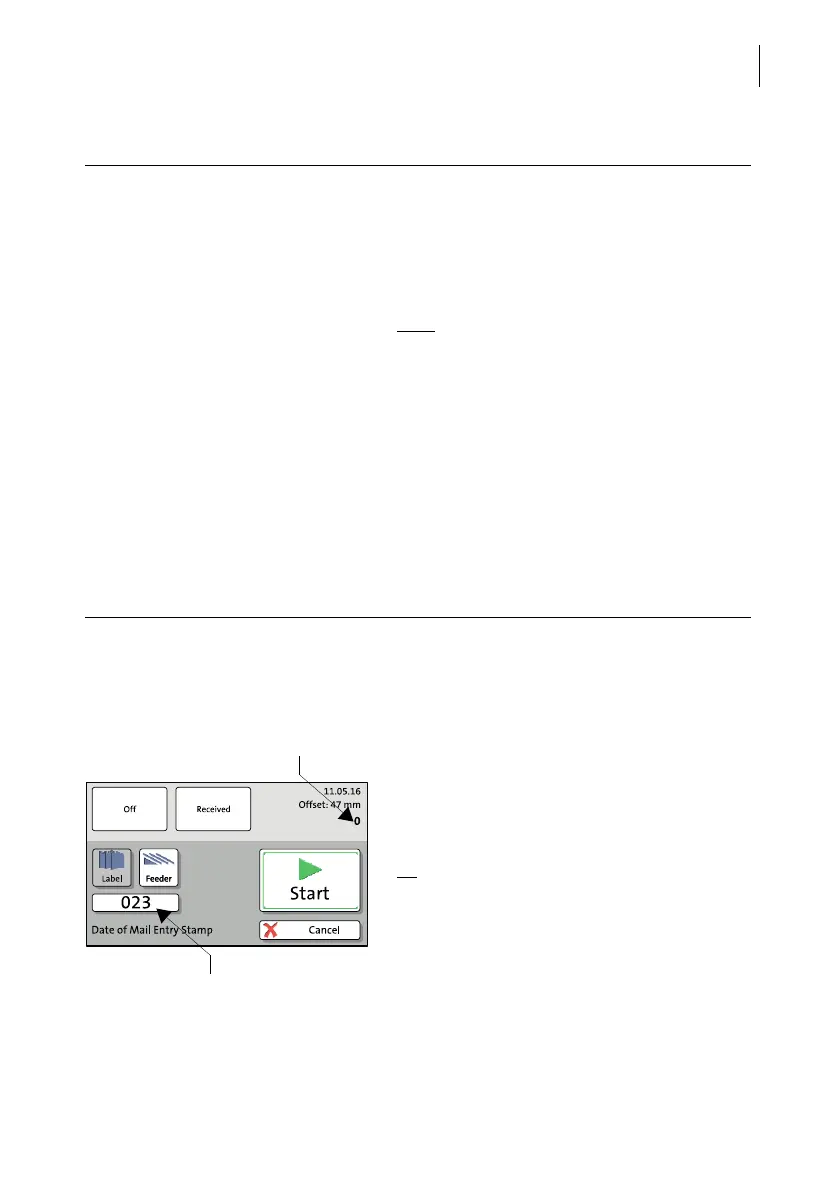
Item and batch counters
You can set the batch counter and / or start
the imprint immediately. Proceed exactly as
when franking:
• Position incoming mail at the hand feed
tray.
Or
• Start label printing.
The ‘Incoming Mail’ function features its own
counter functions. The item and batch coun-
ters work as described for the regular frank-
ing function. Please refer to chapter 5.3.2.3
on page 54 and chapter 5.5 on page 59.
Print date of mail entry – possible settings:
Date You can set the date for the incoming mail
stamp freely. Backdating is possible, too.
Changing the date for the incoming mail
stamp does not affect the franking date.
Note
: You can set the date back to the cur-
rent date with the |<< button.
Imprint offset You can adjust the position of the incoming
mail stamp freely (default position: about
1 cm from the right letter edge). Any changes
to this setting remain, even after switching
the PostBase One off. The offset for the
incoming mail stamp does not affect the
imprint when franking.
Advertising imprint In addition to the incoming mail stamp, you
can set an advertising imprint, as with frank-
ing.



 To Next Page