Special imprints and functions
77
PostBase One returns to the ‘Advert Only’
menu. The advertising imprint button shows
the selected imprint.
• Set the second advertising imprint in the
same way.
When both buttons show the desired
imprints:
• Confirm with C
ONTINUE.
You can start printing. Proceed exactly as
when franking:
• Position an envelope / a postcard on the
hand feed tray.
Or
• Start label printing.
Or
• Use the feeder.
For detailed information on feeding letters,
batch processing with the feeder and label
printing, please read chapter 5.
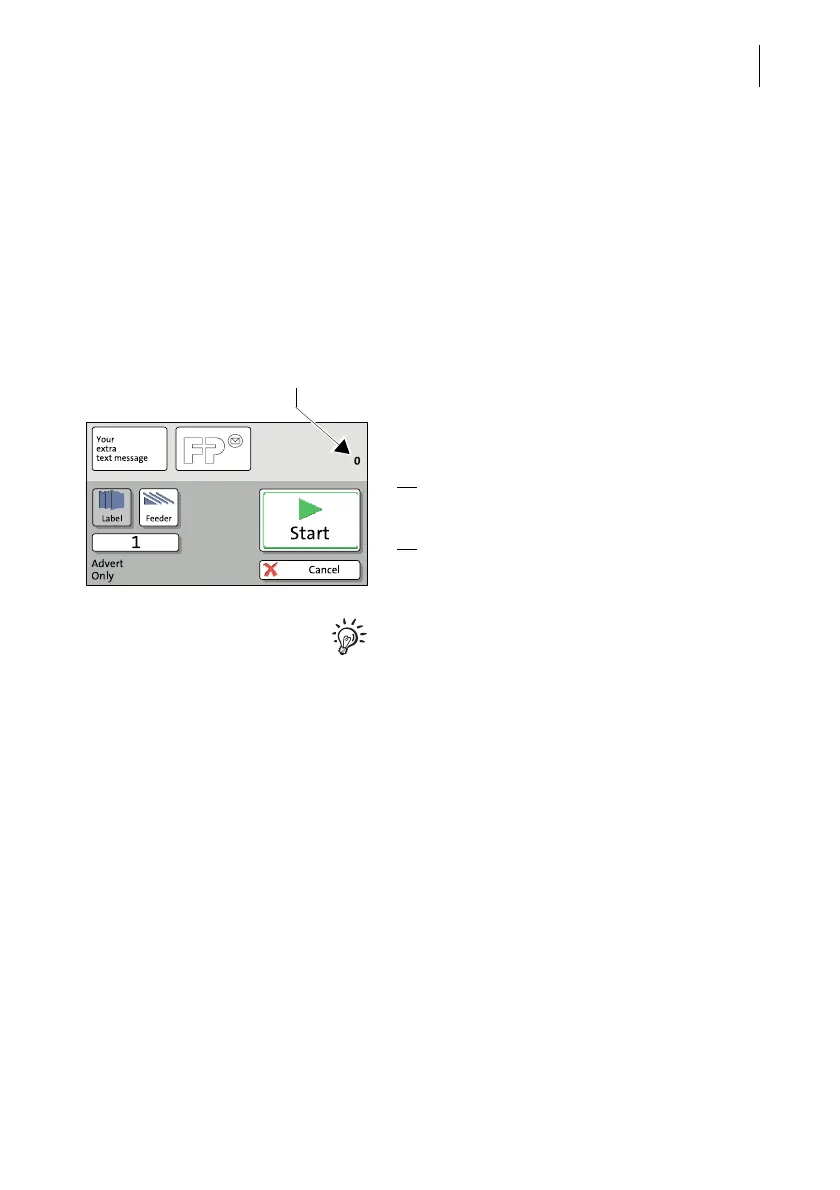
The ‘Advert Only’ special function has its own
counter. PostBase One shows the number of
imprints on the upper right side of the display.
When quitting the ‘Advert Only’ function, the
counter is reset to ‘0’.



 To Next Page