Maintenance and care
93
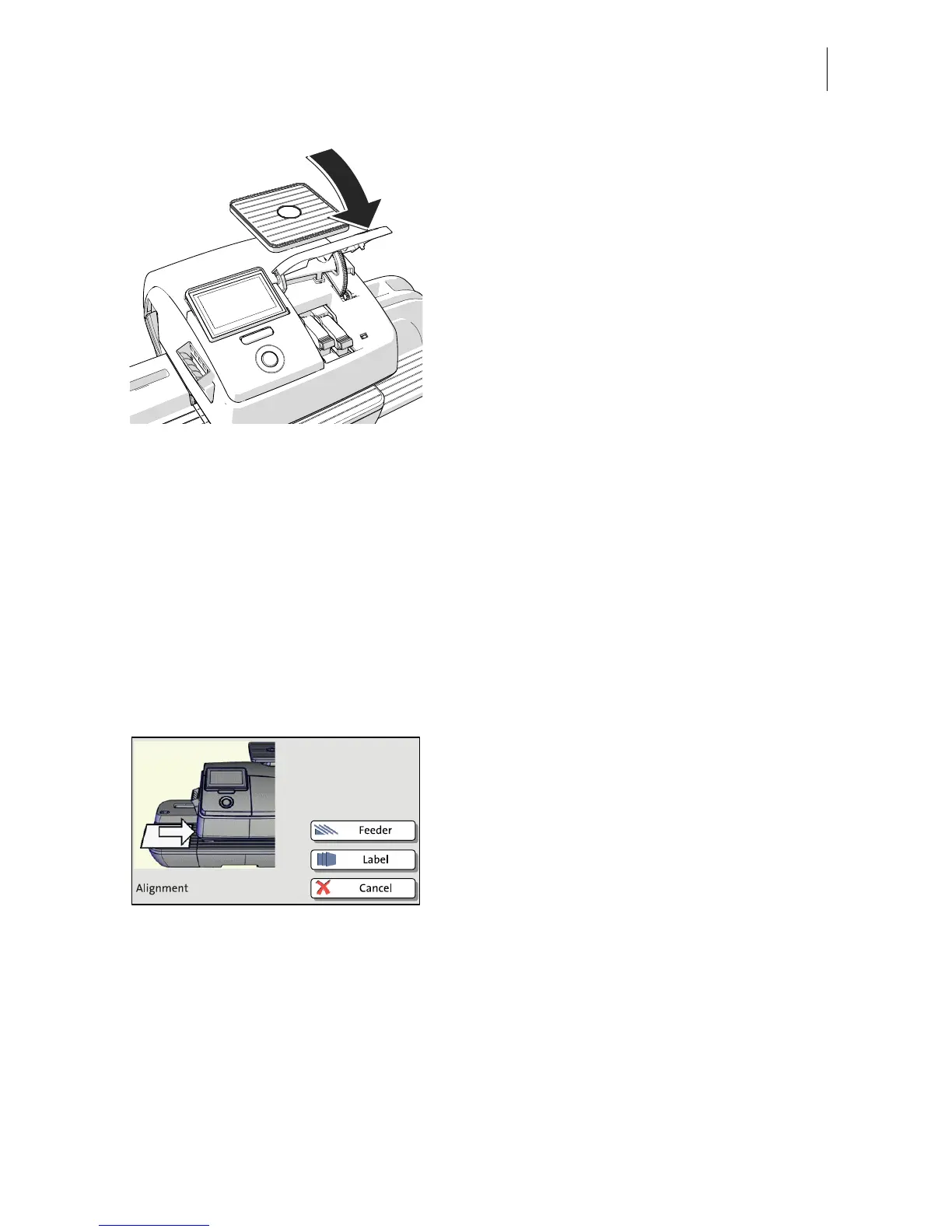
• Close the flap of the print system by
pushing it down on the lower right corner.
Calibration After cartridge exchange, the ink cartridges
are calibrated. You can monitor the progress
in the display. Please be patient until
calibration is complete.
Cleaning After calibration, the ink cartridges will
be cleaned. Cleaning is performed
automatically.
Aligning ink cartridges
The PostBase continues by aligning the ink
cartridges and prompts you to place a letter.
• Place an empty envelope for the test print.



 To Next Page