Chapter 8 Operational Settings
167
Index
Appendix
Introduction
Glossary
Contents
TOP
Loading
Documents
Scan
Parameters
Various
Documents
Daily Care
Trouble-
shooting
Operational
Settings
Consumables
Scanner
Overview
Power ON/OFF Control
[Power SW Control]
This option is used to specify how to turn on/off the scanner.
You can select whether or not to power the scanner on/off by
using the [Power] button.
When this is disabled, use the main power switch.
1 Start up the Software Operation Panel.
Refer to "8.1 Starting Up the Software Operation Panel" (on page
134).
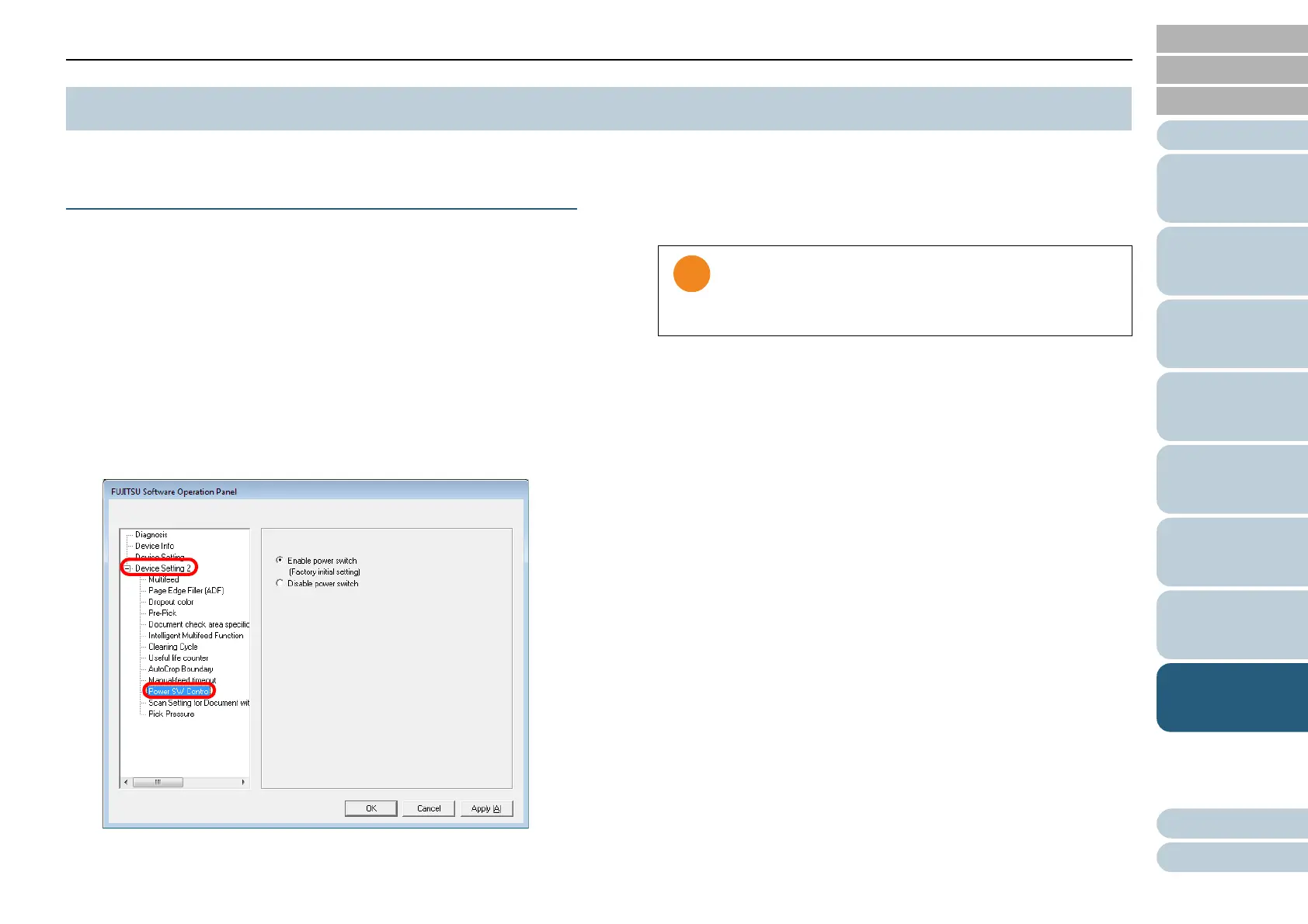
2 From the tree listing on the left, select [Device Setting 2]
D [Power SW Control].
3 Select to enable or disable power on/off using the [Power]
button.
Select [Enable power switch] to enable the [Power] button; [Disable
power switch] to disable it.
8.7 Settings Related to Power ON/OFF Control
If [Disable power switch] is selected, the scanner will not
turn off even when the [Power off after a certain period of
time] check box is selected in [Device Setting] of the
Software Operation Panel.












 To Next Page