Chapter 4 Various Documents
70
Index
Appendix
Introduction
Glossary
Contents
TOP
Loading
Documents
Scan
Parameters
Various
Documents
Daily Care
Trouble-
shooting
Operational
Settings
Consumables
Scanner
Overview
You can select OFF(- -) or a value from 0.2% to 3.0% (in incre-
ments of 0.2%).
*1: Ratio of black dots included in the scanned area (for white
pages)
• In Color/Grayscale mode
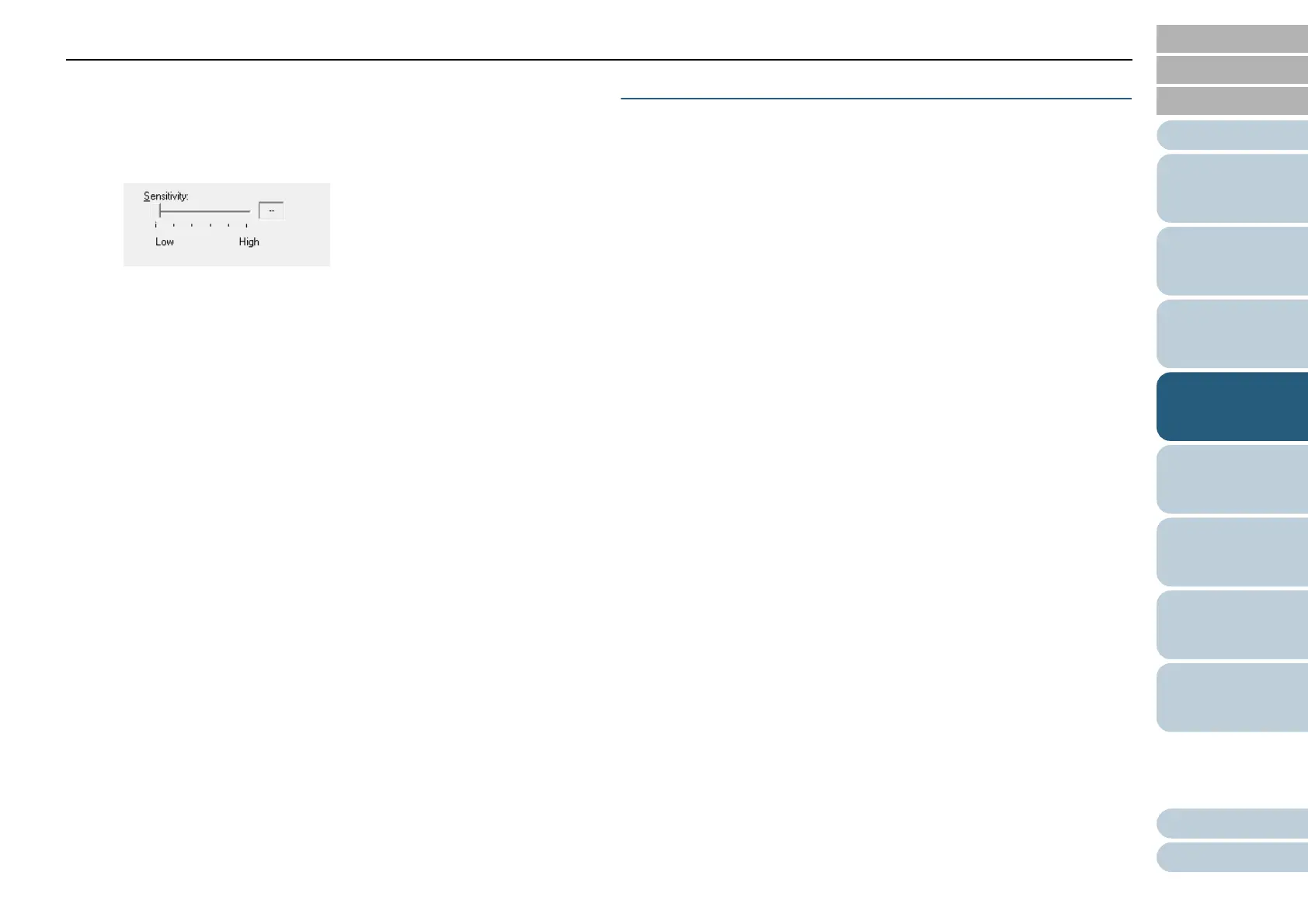
Use the slider bar to specify a level from among five levels (1 to 5).
The larger the number, the higher the accuracy.
6 Click the [OK] button.
⇒ You are returned to the [TWAIN Driver (32)] dialog box.
7 In the [TWAIN Driver (32)] dialog box, click the [OK]
button.
⇒ Changes made are saved.
8 From ScandAll PRO, perform a scan.
For how to perform a scan, refer to "ScandAll PRO V2.0 User's
Guide".
Scanning the Image Brighter
The brightness of the scanned image can be increased for
scanning in grayscale or color.
1 Load a target document on the scanner.
For how to load documents on the scanner, refer to "Chapter 2
Loading Documents" (on page 38).
2 Start up ScandAll PRO, and then open the [TWAIN Driver
(32)] dialog box.
For how to open the [TWAIN Driver (32)] dialog box, refer to "ScandAll
PRO V2.0 User's Guide".












 To Next Page