2. SYSTEM INITIALIZATION
2-33
2.9 Creating a Directory
You can create and specify the directory where to save incoming and outgoing
messages to a floppy disk. If no directory is made, the messages are saved to
the root directory of the floppy disk.
2.9.1 Creating a directory where to store messages
The procedure below shows how to create a directory on a floppy disk.
1. Insert a floppy disk in the disk drive.
2. Press the [F8] key to display the Setup menu.
3. Press the [8] key to display the Directories menu.
Directories
Message Directory
EGC Message Directory
Directories menu
4. Press the [↑] key to choose Message Directory and then press the [Enter]
key.
Setup
File Edit Transmit EGC Reports Logs Options Setup Position StopAlarm
5. EGC Setup
6. Auto Mode Setup
7. E-Mail Setup
8. Directories
9. Configuration
Directories
Message Directory
EGC M<DIR><essag>456ABC <DIR>
e <DIDirectory
Message Directory
To View: SPACE Make Dir: INS Remove Dir: DEL
2002-02-28 20:53
[A:\ ]
Filename Size Date & Time
<No Files>
0 Files exist 1456640 bytes free
Setup menu, message directory
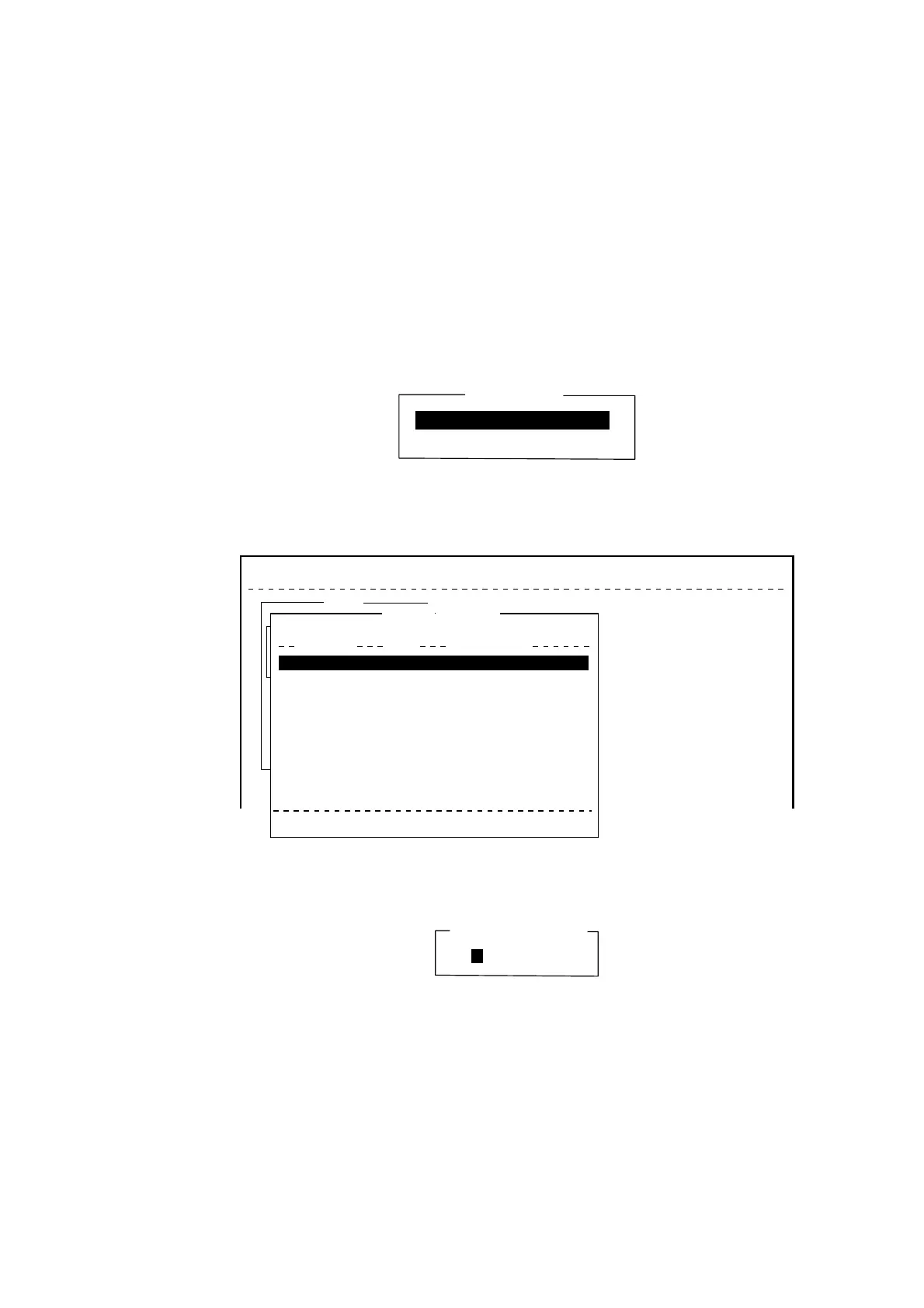
5. Press the [Insert] key.
Make Directory
Directory name entry window



 To Next Page
 Loading...











