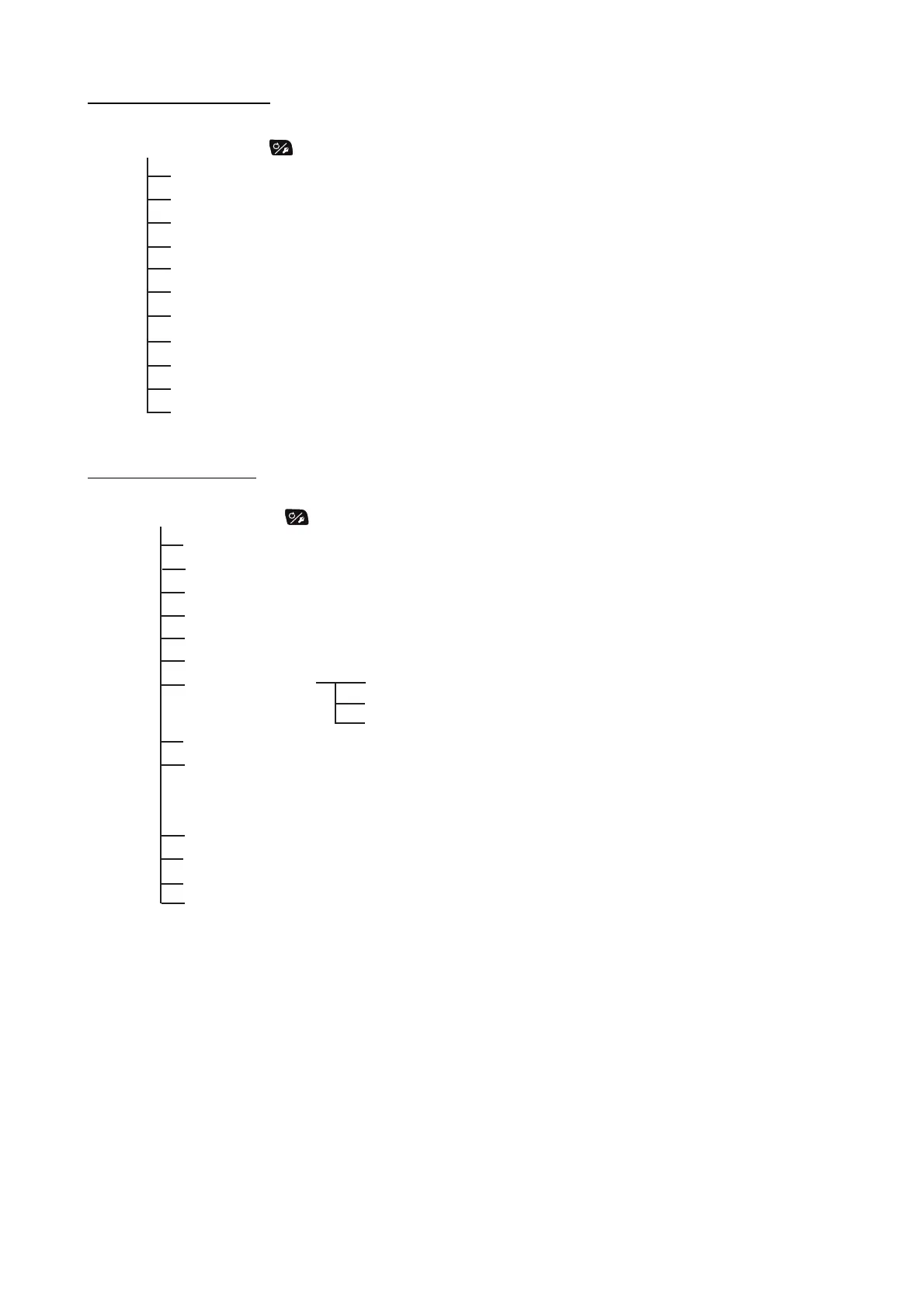
APPX. 1 MENU TREE
Long press the key in the AUTO mode
Message
Display Color (White, Black)
Sensor In Use
Brilliance (1-8, 8)
Rudder Drive Level*
1
(1-20, the default is depended on the rudder test.)
Advanced AUTO (OFF, ON)
Net Towing AUTO*
2
(OFF, ON)
Cse After Remote*
3
(Previous Course, Present Course)
Sea State (Full-Auto, Semi-Auto, Manual-Calm, Manual-Moderate, Manual-Rough)
Manual Paramer (See page AP-1.)
Other Menu (See page AP-1 to AP-3.)
Long press the key in the NAV mode
Message
Display Color (White, Black)
Sensor In Use
Brilliance (1-8, 8)
Rudder Drive Level*
1
(1-20, the default is depended on the rudder test.)
NAV Mode (Course, XTE(Precision), XTE(Economy))
NAV Data Source
Waypoint Switching (Auto, Manual)
After Arrival*
4
(GO Straight, Orbit to PORT, Orbit to STBD,
Figure Eight PORT, Figure Eight STBD,
Square PORT, Square STBD)
NavNet2 (OFF, ON)
Sea State (Full-Auto, Semi-Auto, Manual-Calm, Manual-Moderate, Manual-Rough)
Manual Paramer (See page AP-1.)
Other Menu (See page AP-1 to AP-3.)
Data Source (Source1, Source2, Both)
Source1 (Port1, Port2)
Source2 (Port1, Port2)
*
1
: Shown with Fantum Feedback
TM
.
*
2
㪑㩷
Not shown when [Boat Type] = [Sailboat] or in case of Fantum Feedback
TM
.
*
3
: Not shown with Fantum Feedback
TM
.
*
4
: For Fantum Feedback
TM
, only the [GO Straight] or [Orbit to STBD] are available.



 To Next Page
 Loading...




