2. STEERING MODES
2-41
8. Rotate the Course control knob to select the current setting for [Power Assist ST-
BY] then push the knob.
9. If you want power assist in the STBY mode, select [ON] then push the knob. If not,
select [OFF].
10. Rotate the Course control knob to select [Power Assist Rudder Speed] then
push the knob.
11. The cursor is selecting the current setting value for [Rudder Speed]; push the
Course Control knob.
12. Rotate the Course control knob to select [Rudder Speed] then push the knob.
13. Rotate the Course control knob to select a value then push the Course Control
knob (setting range: 1 to 10).
The higher the setting, the stronger the power assist.
14. Press the key three times to close the menu.
How to confirm the rudder steering
Turn the helm to port and starboard and confirm that the power assist activates ac-
cording to the helm steering. If the power assist only works in one direction, do the
helm sensor test (see section 5.3.10.).
Note: Do the confirmation when the ship is docked or cruising at low speed in an area
where there are few vessels and obstructions.
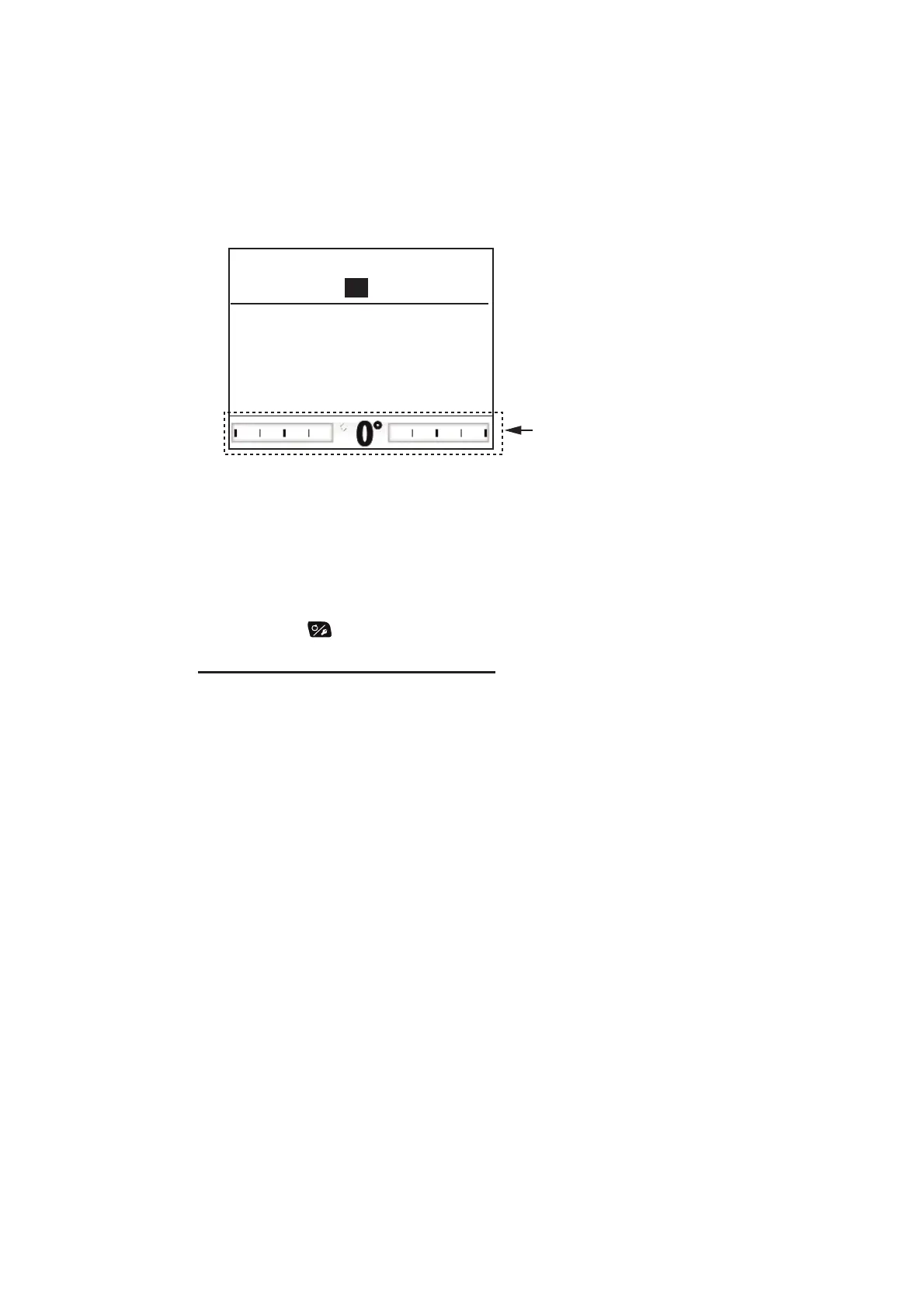
Power Assist Rudder Speed
Turn helm to PORT/STBD to set
rudder speed.
Higher value = Faster speed
Push MENU key to return
Rudder Speed: 10
Not shown with Fantum Feedback
TM
.



 To Next Page
 Loading...




