Gamatronic Electronic Industries Ltd.
Power+ Technical Guide 99
14. MONITORING THE SYSTEM
The system is monitored by the controller and displays the following system information on LCD
screens and menus.
y Power Meter
y System operating times
y System configuration
y Status of input dry contact
y Status of the UPSs
y Status of the batteries
y System temperature
y Communication status
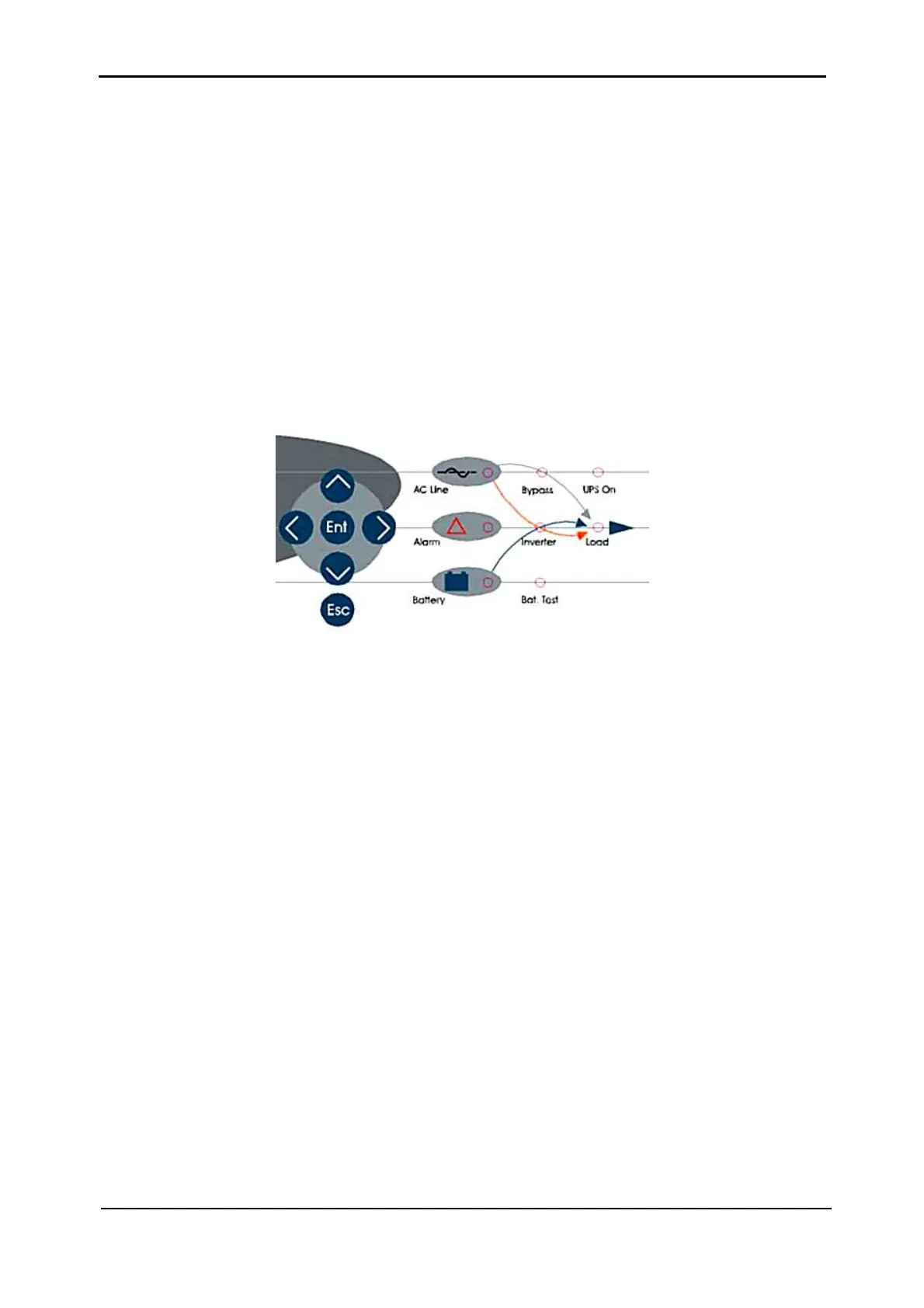
Figure 14-1: Key panel
14.1 POWER METER
The Power+ UPS contains a built-in digital power meter, allowing you to monitor the line supply,
the load current, and overall efficiency, avoiding the need for external monitoring equipment.
To view the power meter on-line:
1) Press Enter to display the main menu. (See
Figure 5-1, page 55.)
2) Press Enter to view the battery voltages. (See
Figure 5-3, page 56.)
3) Press > (right) to switch to the performance analyzer.
4) Press > (right) to view











 To Next Page